Great listing photos don’t just “look nice”. They directly influence how many buyers click, save, and schedule showings for your listing. In a competitive market where buyers scroll fast and judge even faster, the right real estate photo editing software can dramatically improve how your listings perform online.
Today’s tools go far beyond basic brightness and contrast fixes. Agents can now access AI-powered editors, professional outsourcing services, batch processors, mobile apps, and virtual staging platforms, all designed to help you create magazine-worthy photos in minutes.
In this guide, we highlight the best tools, why great editing matters, and what features you should look for.
Why Good Photo Editing Matters in Real Estate Listings?
Good visuals are more than just a bonus for real estate listings now. They directly affect how quickly your listing gets attention and how buyers perceive it. Here’s why editing plays such a crucial role.
1. Enhances Visual Appeal
Professionally edited photos help your listing stand out and make a much stronger first impression.
- Clean, bright, and well-balanced images elevate your marketing materials across the MLS, social media, flyers, and websites.
- Photo editing tools enhance the lighting, colors, and composition of real estate photos so your listing’s best features shine through instantly.
2. Boosts Engagement & Interest
Better photos directly increase buyer interest.
- Redfin found that homes photographed with professional-grade cameras sold for $3,400 more on average than homes photographed with slower, point-and-shoot cameras. [Source: Redfin]
- High-quality visuals create an emotional connection. When buyers feel something, they click, inquire, and book more showings.
3. Improves Buyer Confidence & Sales Outcomes
Edited photos help buyers feel more confident about the listing.
- According to recent research, real estate agents who list homes with edited photos sell 32% faster than agents who don’t use professional real estate photo editing software. [Source: PR Newswire]
- Bright, sharp images make it easier for buyers to imagine themselves living in the home, helping them make decisions more quickly.
Best Photo Editing Tools for Real Estate Listings in 2025
Below are some of the top platforms real estate agents can use to enhance listing photos. This quick table helps you compare them at a glance:
| Tools | Type | Key Features & Strengths | Best For | Pricing Model |
|---|---|---|---|---|
| Styldod | Professional Editing & Outsourcing | Virtual staging, photo retouching, clutter removal, fast turnaround | Busy agents/agencies needing outsourcing | Subscription/pay per image basis |
| BoxBrownie | Professional Editing & Outsourcing | 3D virtual staging, item removal, floor plan redraws, HDR editing | Large volume listings, fast turnaround | Pay per image pricing |
| Photoup | Professional Editing & Outsourcing | HDR blending, sky replacement, object removal, video editing | Agencies & high-volume photographers | Subscription/credit-based |
| Revivoto | Professional & AI Hybrid | AI enhancements, light correction, object removal | Agents who want hybrid AI/manual control | Pay per image |
| REimagineHome | AI-powered Automated | AI virtual staging, furniture removal, room reimagining | Real estate agents looking for AI speed | Subscription/credit-based |
| Pixlr AI | AI-powered Automated | AI filters, background removal, auto enhancement | Quick automated edits on the web/mobile | Freemium/Subscription |
| Photomatix | HDR Specialist | HDR merging, tone mapping, exposure blending | Interior/exterior HDR photography | One-time purchase |
| Autoenhance.ai | AI-powered Automated | Batch processing, sky replacement, interior lighting balance | Bulk image processing, busy photographers | Pay per image/Subscription |
| Adobe Photoshop | DIY Manual Advanced | Advanced retouching, layering, object removal, sky replacement | Professionals needing pixel-level control | Subscription |
| Adobe Lightroom | DIY Manual Batch | Batch editing, color correction, presets, RAW support | High-volume photo editors | Subscription |
| Snapseed | DIY Mobile Manual | Mobile retouching, filters, RAW support | On-the-go mobile editing | Free |
| Canva | DIY Manual Basic + Design | Drag-and-drop design, basic edits, marketing templates | Quick marketing visuals, social media content | Freemium/Subscription |
Best Real Estate Professional & Outsourcing Photo Editing Services
For agents who want fast, consistent, pro-level edits without learning complex software.
1. Styldod
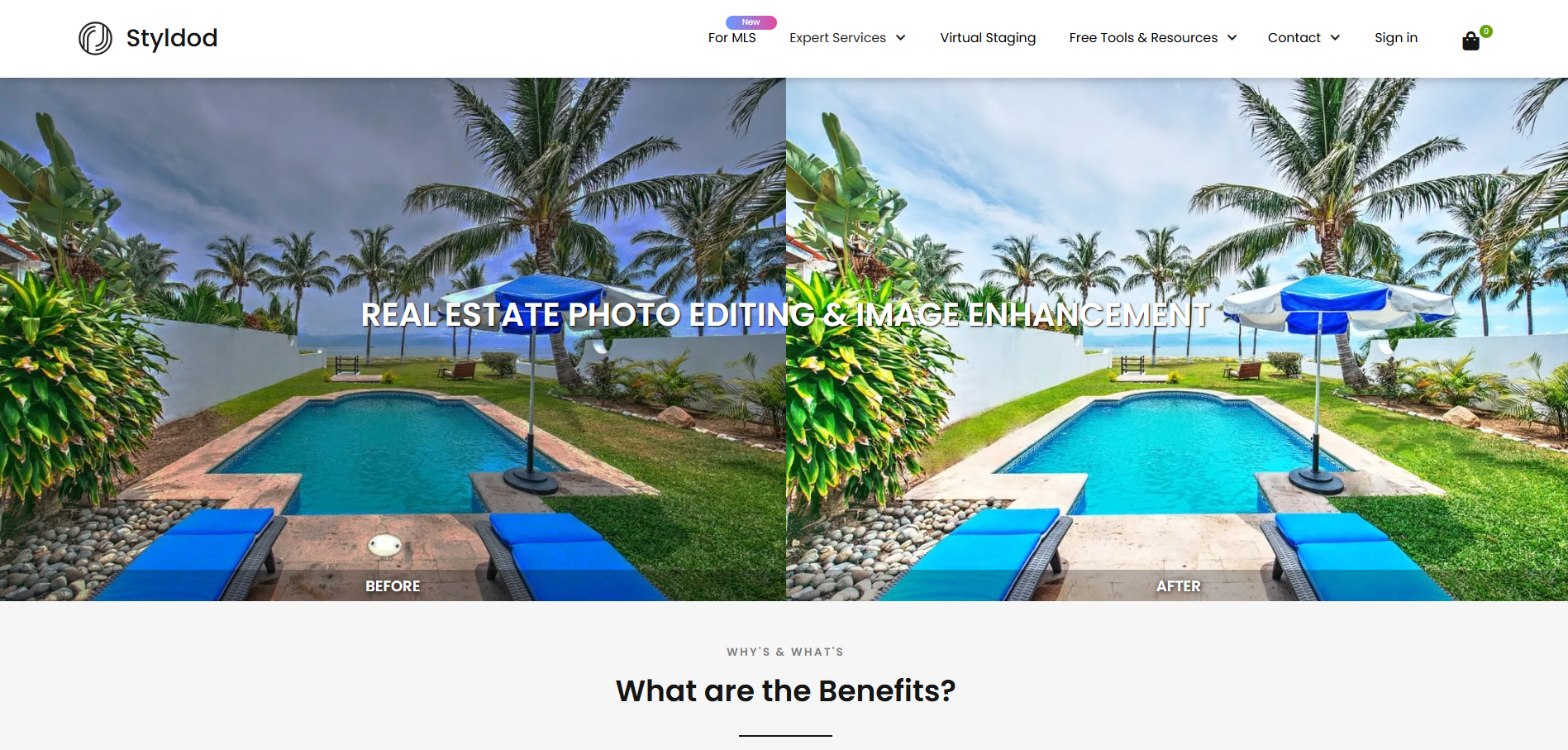
Styldod offers a full suite of editing services built specifically for real estate agents. You can get virtual staging, clutter removal, occupied-to-vacant edits, day-to-dusk conversions, image enhancements, and more with a fast 24-48 hour turnaround.
Key Features:
- Professional photo editing and retouching
- Virtual staging in 8+ styles
- Fast turnaround times
- Affordable per-image pricing
- AI Marketing Hub for descriptions, videos, and email content
2. BoxBrownie
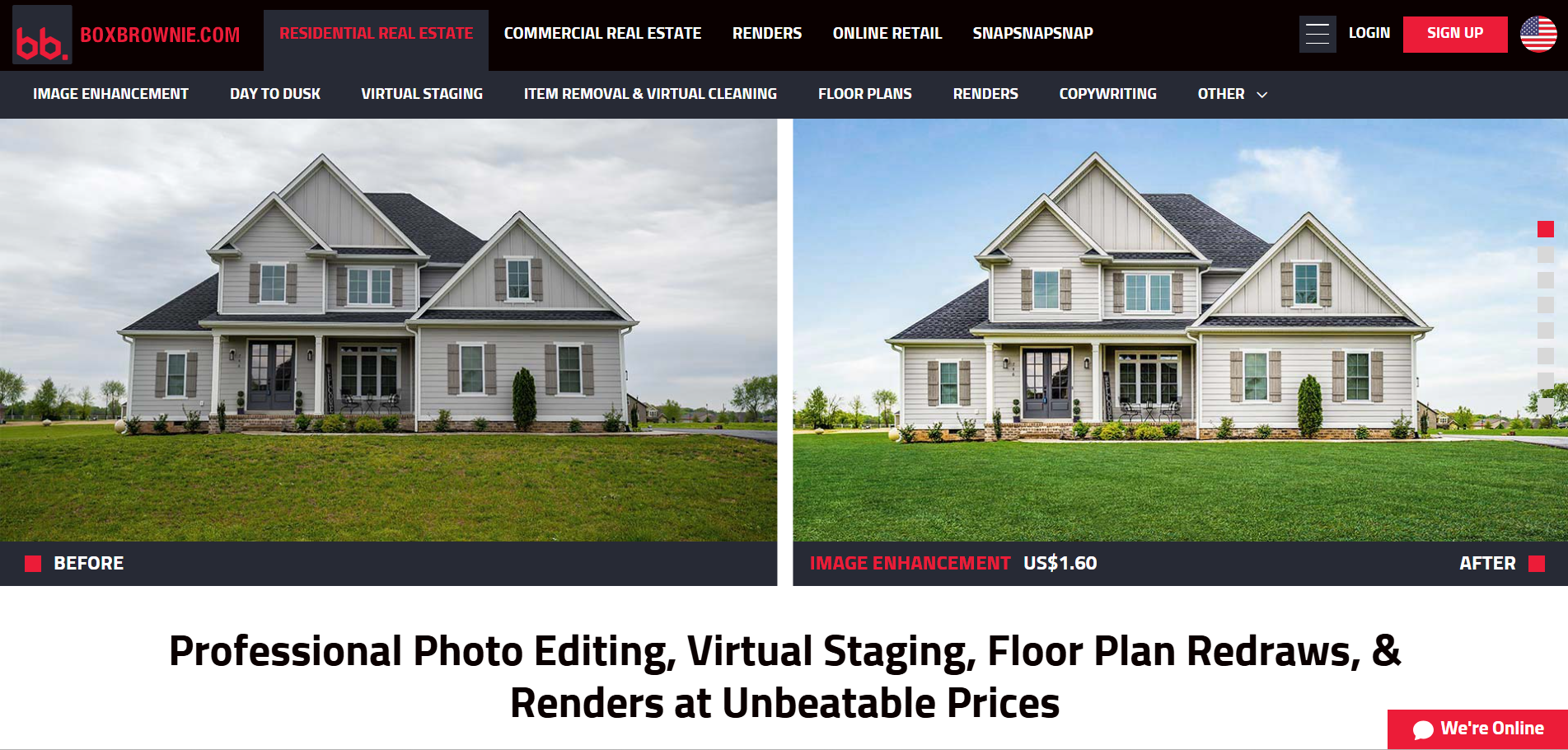
BoxBrownie is an AI-powered real estate photo enhancement tool that transforms ordinary property images into professional, high-impact visuals. It offers services like image retouching, virtual staging, item removal, and floor plan enhancements to help listings stand out. Ideal for agents looking to boost property appeal and conversions effortlessly.
Key Features:
- HDR enhancement
- Day-to-dusk conversions
- Virtual staging
- Item removal and repairs
- Floor plan redraws
3. PhotoUp
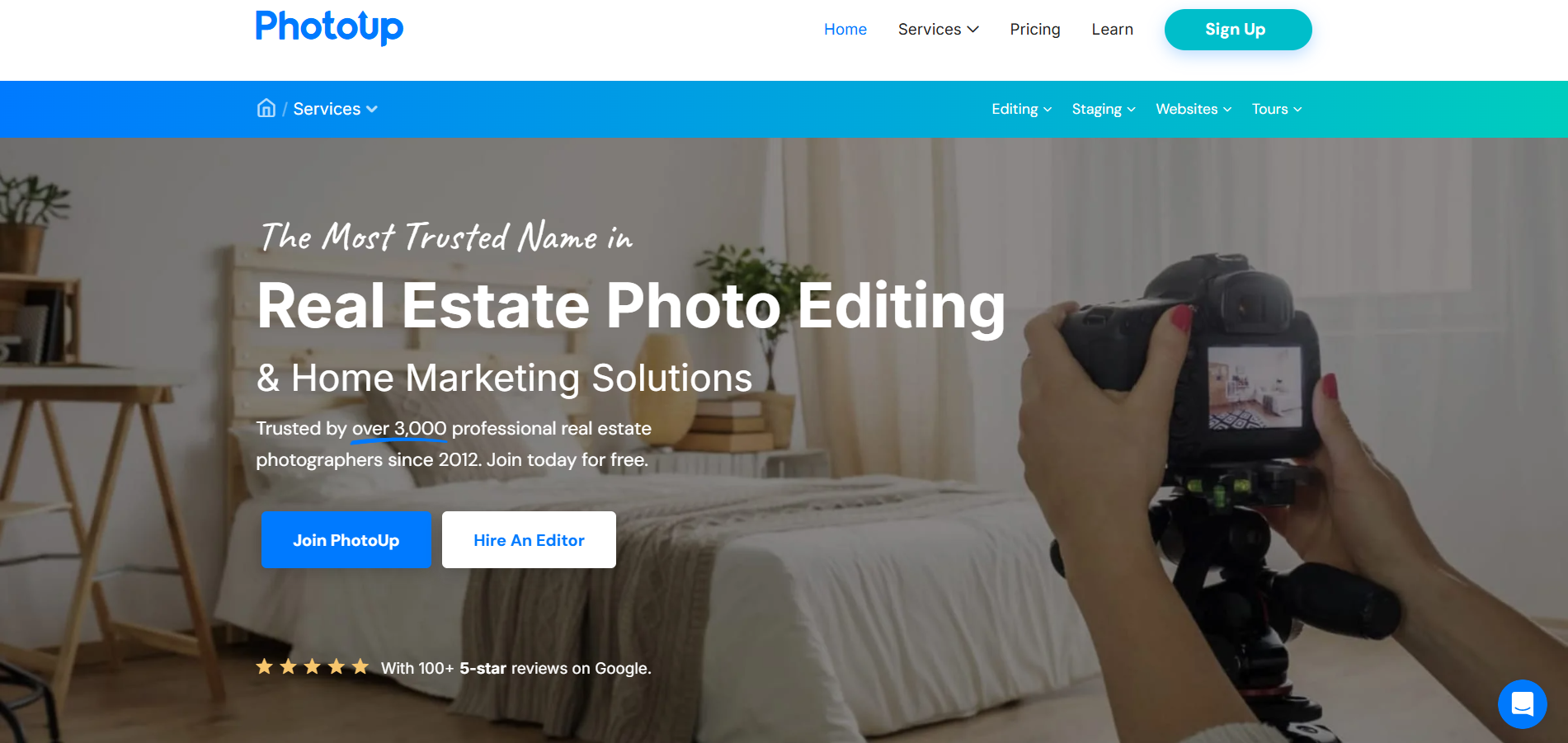
PhotoUp provides a range of editing and marketing services tailored for real estate professionals and photographers. They deliver HDR blending, color correction, sky replacement, and virtual staging in high volume through their subscription model.
Key Features:
- HDR blending
- White balancing and color correction
- Virtual staging
- Video editing services
- Sky replacement and object removal
4. Revivoto
Revivoto blends AI technology with expert manual editing to deliver polished, realistic listing visuals. Their platform allows agents to upload photos and receive corrected lighting, object removal, and detailed retouching that keeps rooms looking natural and inviting.
Key Features:
- Smart lighting correction
- AI-powered enhancements
- Professional-level retouching
- Object removal and background fixes
Best Real Estate AI & Automated Photo Editing Platforms
These tools are great for agents who want instant edits without outsourcing.
5. REimagineHome
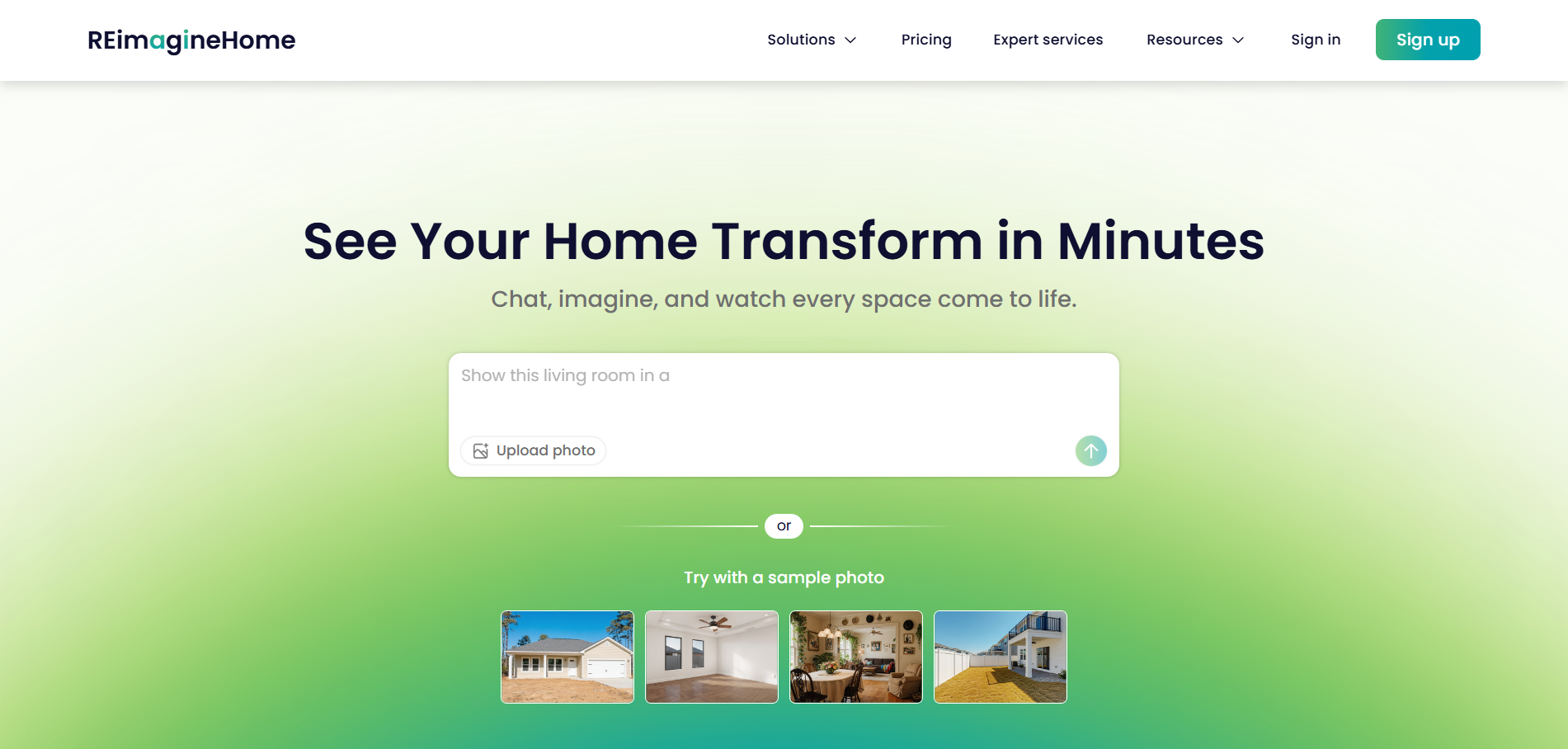
REimagineHome offers AI-generated virtual staging and room redesigns in minutes, letting agents show a home’s potential instantly.
Key Features:
- AI-powered staging
- Room re-styling and redesign
- Furniture removal
- Multiple design themes
6. Pixlr AI
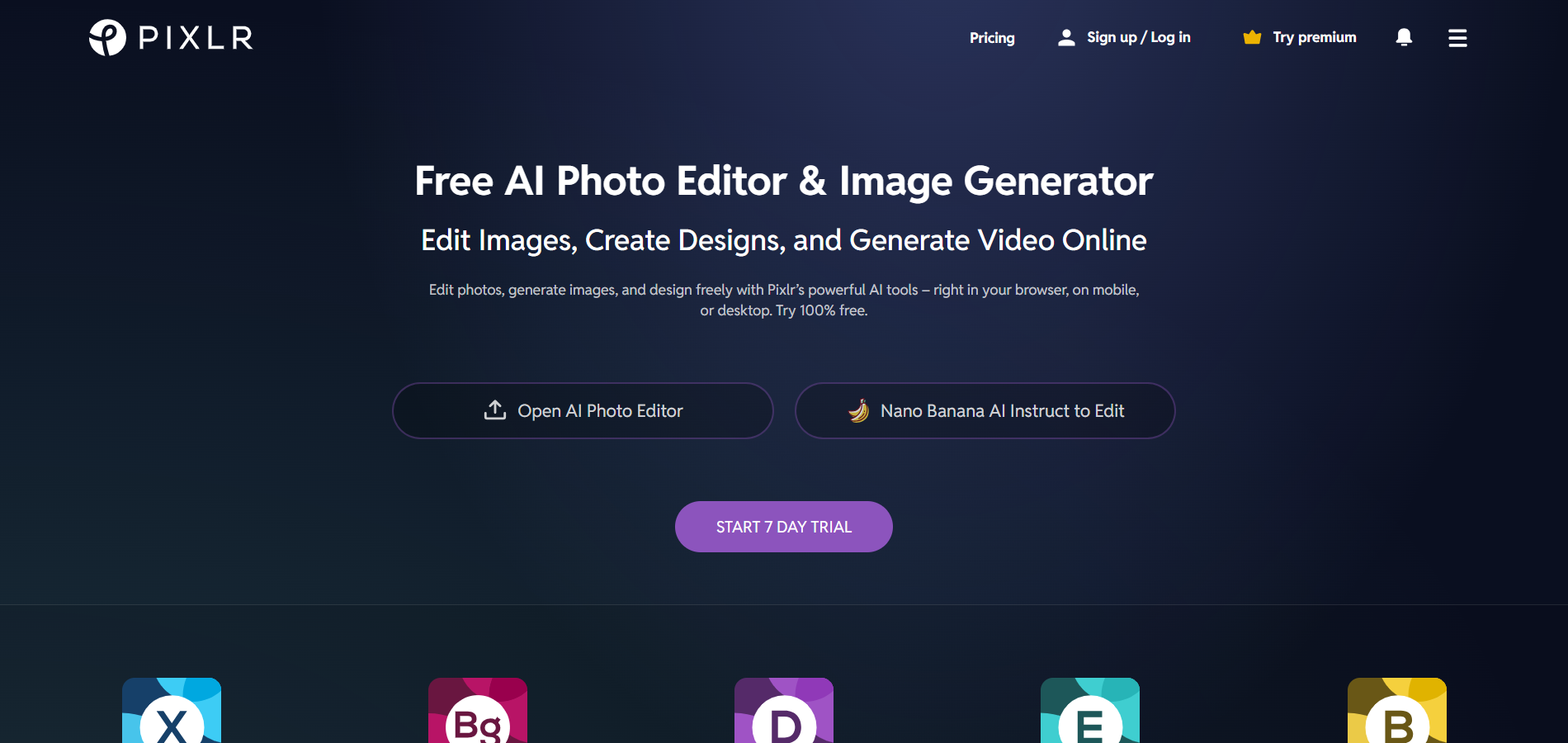
Pixlr AI is a lightweight, browser-based photo editor for real estate listings. It offers automatic enhancement tools, background removal, and AI filters that make it easy to polish listing photos without downloading heavy software.
Key Features:
- AI filters
- Background removal
- Auto enhancement
- Easy editing with templates
7. Photomatix
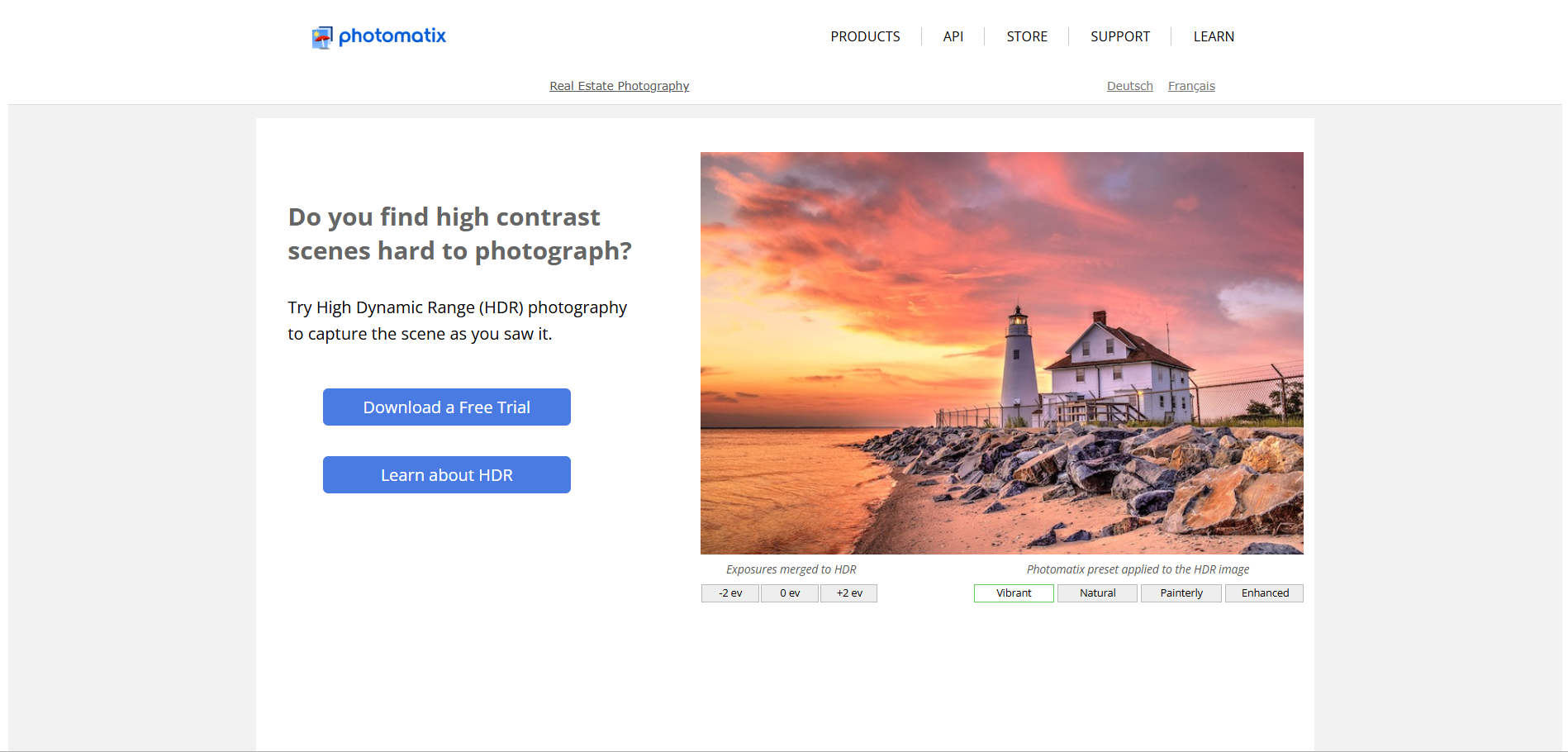
Photomatix is a popular HDR solution for interior shots with uneven lighting. It blends multiple exposures into a single, well-lit image that preserves window details while brightening dark spaces. This real estate photo editing software is useful for listings with dramatic windows, mixed lighting, or high-contrast interiors.
Key Features:
- HDR merging
- Tone mapping
- Batch processing
- Great for bright windows + dark interiors
8. Autoenhance.ai
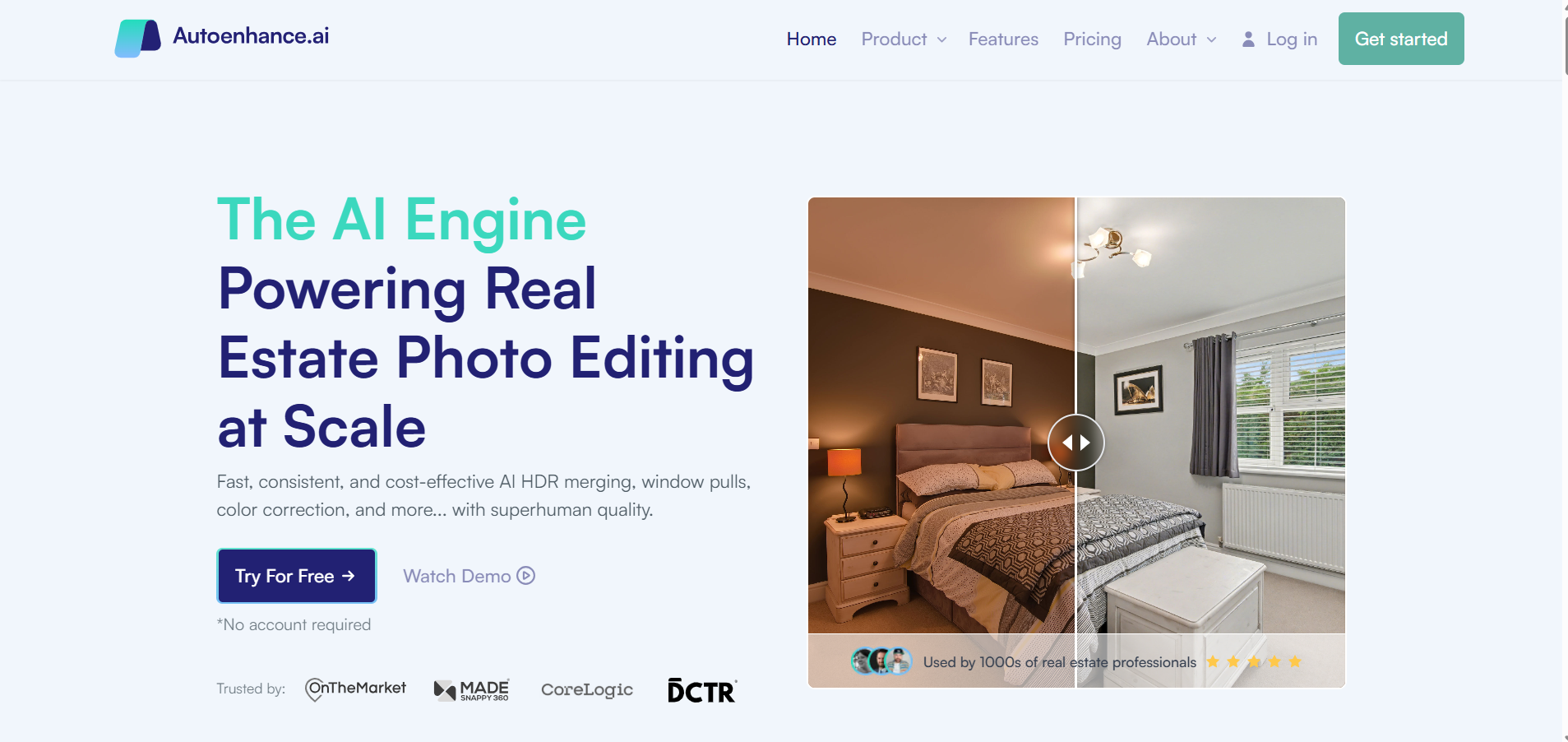
Autoenhance.ai offers AI-powered edits that work especially well for large teams and photographers. It automates real estate photo editing with AI-driven tools designed for speed and high-volume workflows.
Key Features:
- Instant sky replacement
- Vertical and horizontal correction
- Lighting balance
- Batch processing for high volume
Best Real Estate DIY Photo Editing Softwares
Perfect for agents who want full control or prefer hands-on editing.
9. Adobe Photoshop
Adobe Photoshop is one of the oldest editing platforms for real estate professionals who need complete creative control over their listing photos. It allows pixel-level adjustments, object removal, sky replacements, and retouching.
Key Features:
- Detailed retouching
- Layer-based editing
- Object removal tools
- Lighting and color manipulation
10. Adobe Lightroom
Lightroom is ideal for agents who need fast, consistent edits across large batches of photos. Its preset system and powerful color-grading tools make it easy to maintain a consistent look across an entire set of images.
Key Features:
- Batch editing
- Presets for consistent tones
- RAW file support
- Color, exposure, and clarity adjustments
11. Snapseed

Snapseed is a mobile-friendly photo editor that gives real estate agents an easy way to improve listing photos on the go. With tools for tuning brightness, sharpening, cropping, and even removing small distractions, it lets you make quick adjustments from your phone before uploading to the MLS or social media.
Key Features:
- RAW editing
- Brushes and healing tools
- Filters and tuning controls
- Easy mobile workflow
12. Canva

While Canva is not a traditional real estate photo editor software, its drag-and-drop interface makes it easy to brighten photos, adjust colors, and overlay graphics. You can use this tool for listing flyers, open house signs, social media posts, and branded marketing assets.
Key Features:
- Drag-and-drop editing
- Basic retouch tools
- Thousands of templates
- Easy export for MLS and social media
What to Look for in a Real Estate Photo Editing Software?
Choosing the right real estate photography editing software depends on your workflow and the level of quality you need. Here’s what matters most:
- User-Friendly Interface: Tools should be easy to understand, even for beginners. A clean interface saves time and reduces editing errors.
- HDR & Exposure Adjustment: Interior shots often struggle with dark corners and bright windows. The right real estate photo editing tool should have HDR and exposure adjustment to help balance all lighting conditions.
- Perspective Correction & Lens Distortion Removal: Wide-angle lenses sometimes warp walls or stretch edges. Correction tools ensure rooms look natural and proportionate.
- Batch Editing: For agents handling multiple listings each week, batch editing helps maintain consistent quality and speeds up the entire workflow.
- Sky Replacement & Virtual Staging Capabilities: These features turn ordinary photos into eye-catching visuals. Do note that any material item changes, like flooring or wall color, should be labeled as aspirational.
- File Format & Integration Support: The best real estate photo editor should support MLS-friendly formats and integrate well with your current storage or editing tools.
Conclusion
The right editing tools can completely transform your listing photos, helping you attract more buyers, create stronger first impressions, and stand out in competitive markets. Whether you choose outsourcing, AI automation, or DIY editing, the goal is simple: clean, bright, and inviting visuals that show your listing in its best light.
Upgrade your listing photos instantly with Styldod’s expert services
Frequently Asked Questions (FAQs)
1. Are AI-powered editing tools reliable for real estate photos?
Yes. Modern AI editors can handle sky replacement, lighting corrections, decluttering, and color balancing with impressive accuracy. However, a quick manual review is still recommended to ensure the edits match your listing’s real-life presentation.
2. Can I do virtual staging with photo editing software?
Yes. Tools like Styldod, BoxBrownie, and Photoup offer virtual staging that adds realistic furniture and decor to empty rooms. Just note that changes to fixed elements (like flooring or lighting fixtures) should be marked as aspirational.
3. What software is most popular among real estate agents in 2025?
Platforms like Styldod, Autoenhance.ai, and BoxBrownie are widely used for their AI-driven features, speed, and consistent editing quality.
4. Can I use mobile apps for real estate photo editing?
Yes. Apps like Snapseed and Canva make it easy to tweak brightness, add filters, and create social-media-ready images on mobile.
5. Can professional editing services do what DIY software cannot?
Absolutely. Services like Styldod and BoxBrownie can perform advanced virtual staging, floor plan redraws, HDR correction, and high-volume edits that are difficult or time-consuming with DIY tools.
6. Which tools offer virtual staging for empty homes?
Styldod, BoxBrownie, and REimagineHome specialize in virtual staging to help buyers visualize furnished spaces.
7. Are there affordable editors for agents with tight budgets?
Yes. Free or freemium tools like Snapseed, Canva, and Pixlr AI offer solid editing options at little to no cost.
8. Can photo editing software remove unwanted objects from listing photos?
Yes. Tools like Styldod and Photoshop can remove clutter, power lines, trash bins, or distracting items for cleaner visuals while keeping material changes transparent.