TL;DR
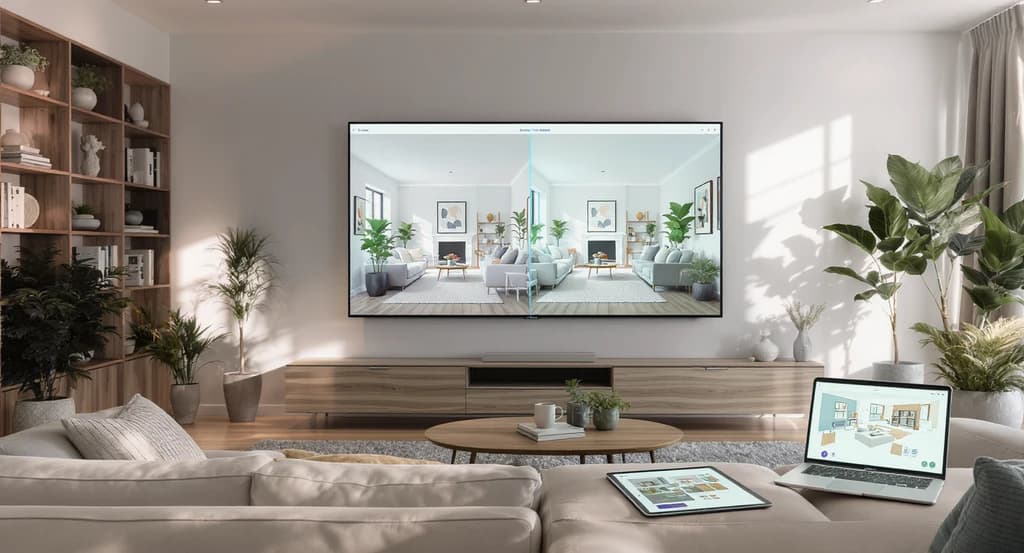
Yes, AI can design your room, but mainly as a visualization and decision-making tool. AI analyzes your real room photo, then creates realistic design options instantly. This helps you preview layouts, styles, and furniture before making costly commitments. AI accelerates clarity and reduces risk, but execution relies on real-world follow-through.
Introduction: How AI Is Changing Room Design
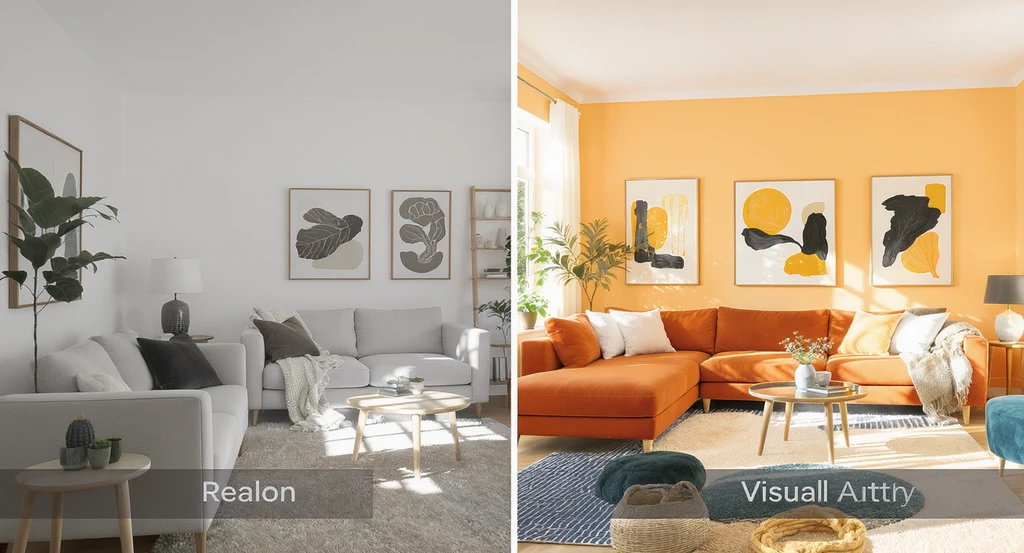
See how ai room visualizer for home design showcases furniture placement suggestions and virtual staging. Discover how ai generates room layouts, previews colors, and reveals limitations of ai interior design tools for smarter decisions.
Designing a room sounds simple, until you actually have to decide what to buy, where to place it, and whether it will look right in your space. This is where most people get stuck, not because they lack taste, but because they can’t confidently visualize the outcome before making a decision.
Who this guide is for: Homeowners planning a redesign, real estate agents improving listing performance, property investors optimizing staging ROI, and anyone deciding between AI tools and professional designers.
Can AI design your room? (Direct Answer):
Yes, AI can design your room visually by analyzing your space and generating realistic layouts, furniture placements, and style variations in seconds. It helps you make faster, more confident decisions, but it does not replace real-world execution, which still requires human expertise.
Most people struggle with home design because they lack confidence in their decisions, not style. The challenge is knowing whether a sofa, layout, or color will actually work in their space before committing. AI solves this by turning uncertainty into visual clarity, helping you move from guessing to seeing.
-
Can AI Actually Design Your Room?
An ai room visualizer for home design shows how ai generates room layouts and virtual staging previews—helping users see furniture placement suggestions while highlighting key limitations of ai interior design.
Yes, AI can design your room visually by generating realistic, styled versions of your real space based on uploaded photos. This allows you to see what your room could look like before making real-world changes, but it does not physically execute those changes.
In simple terms:
- AI = Visualization, rapid idea generation, layout previews
- Humans = Execution, customization, and real-world implementation
The most effective process today is hybrid: use AI to explore and validate ideas, then rely on human expertise for execution. This approach saves time, reduces costly mistakes, and leads to clearer, more confident design decisions.
Expert Insight
A homeowner was unsure whether a large sectional would overcrowd her family room. Instead of guessing, she uploaded her room photo to an AI tool, cycled through layouts, and visualized the result instantly. This avoided a costly mistake and increased her confidence to commit. This highlights a key shift in home design: the biggest cost is no longer design, it’s making the wrong decision. AI reduces this risk by allowing multiple low-cost experiments before any real-world commitment.
-
How AI Interior Design Works: Step-by-Step

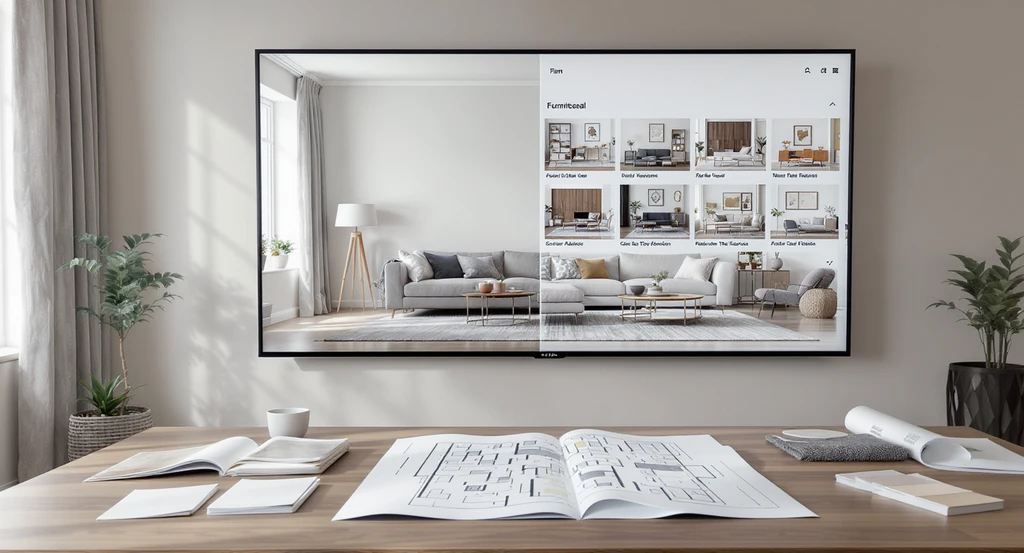
An ai room visualizer for home design displays multiple ai-generated room layouts, showcasing how ai generates room layouts, offers virtual staging, and provides furniture placement suggestions while highlighting the process and limitations of ai interior design.
Understanding the AI design workflow reduces confusion and sets realistic expectations. Here’s how most platforms operate:
- Upload a photo (or sketch/floor plan) of your space.
- AI detects walls, doors, windows, existing furniture, and lighting conditions. Beyond detection, AI models evaluate spatial relationships, object proportions, and design patterns learned from large datasets. This allows the system to predict which layouts, furniture arrangements, and styles are most likely to work within your room’s dimensions, lighting, and structure.
- You select a preferred style (modern, coastal, Japandi, etc.).
- The AI system generates several design variations (rendered images).
- You compare, refine, and shortlist your preferred options.
This process turns abstract ideas into practical, visual decisions within seconds. It can be understood as the “Visual Decision Loop”: visualize → compare → validate → execute—a repeatable framework that reduces uncertainty and improves design confidence at every step. It bridges the confidence gap for homeowners and professionals alike.
AI interior design is a visualization-first process that uses machine learning to generate realistic room layouts and styling options based on your actual space, helping you make decisions before committing financially.
-
Why Most People Find Room Design Difficult
The core struggle in home design is decision friction, the gap between what you imagine and what you can actually see. Most people don’t naturally visualize spatial alignment, lighting effects, or scale when reviewing a floor plan or empty room.
Common problems include:
- Estimating furniture size vs. room proportions
- Predicting color impact under real lighting
- Choosing functional layouts
AI tools remove much of this friction by rendering instant visual previews based on your actual space, helping you move from uncertainty to clarity. When a design is visible instead of imagined, cognitive effort drops significantly, reducing hesitation, increasing confidence, and enabling faster, more accurate decisions.
-
AI Room Design Capabilities: What AI Does Well
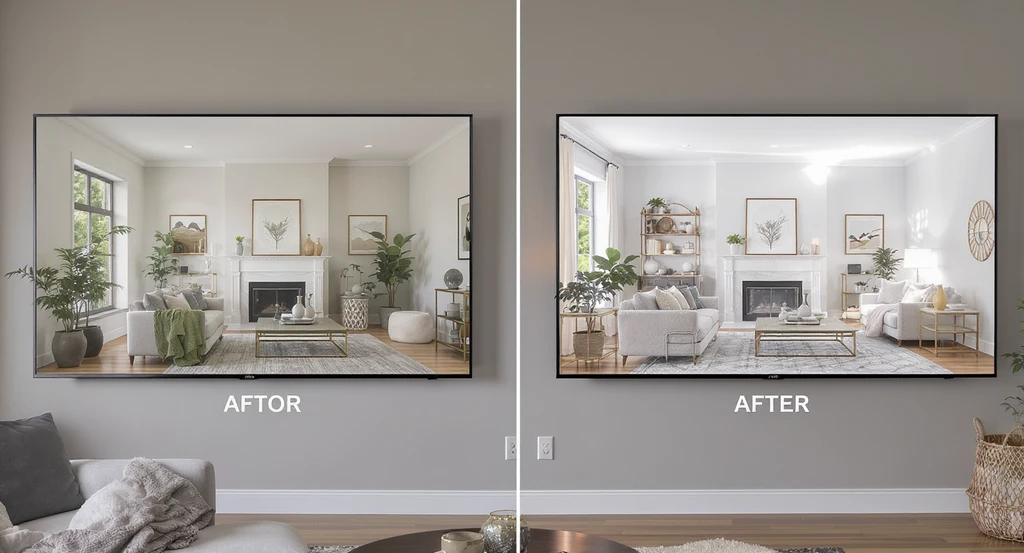
AI room visualizer for home design displays before-and-after layouts, demonstrating how AI generates room layouts, virtual staging, and effective furniture placement through top AI tools, while also revealing the limitations of AI interior design in transforming real spaces.
AI interior design excels at improving visualization, accelerating planning, and reducing mistakes:
- Visualizes empty spaces with virtual furniture and finishes
- Solves “will it fit?” anxiety by accurately depicting scale and proportion
- Tests and compares multiple styles instantly (neutral vs. bold, modern vs. traditional, etc.)
- Improves listing clarity and buyer engagement through photorealistic staging
- Reduces renovation risk by simulating design choices before spending
Listings with high-quality visualizations consistently perform better in both viewership and conversions. Industry reports from organizations like the National Association of Realtors (NAR) and platforms such as Zillow indicate that staged or visually enhanced listings can generate significantly higher engagement, often 20–40% more views along with increased buyer inquiries compared to empty or unstaged properties.
This performance boost comes from clarity: when buyers can clearly understand a space, they engage faster and more confidently. AI-powered visualization plays a key role in creating this clarity, making it a powerful tool for both homeowners and real estate professionals.
-
What AI Cannot Do: Limitations You Must Know
While AI advances visualization, it does not handle everything:
- No physical execution, AI does not buy furniture, hire contractors, or manage installations
- Limited awareness of structural or mechanical realities (plumbing, wiring, load-bearing walls)
- Visual output may favor aesthetic appeal over comfort or utility
Important: AI-generated designs are visually realistic but remain approximations. They should be treated as highly accurate previews, not final specifications. Always validate designs with physical measurements, material samples, and on-site conditions before implementation.
AI is best used as a supportive tool for visualization and planning rather than a replacement for human expertise. It helps guide direction and decision-making, but final execution still depends on real-world validation and professional input where needed.
-
AI vs Interior Designers: Practical Comparison
AI Home Design
- Instant visual previews
- Low to no cost
- Fast experimentation with styles and layouts
- Not tailored for deeply custom or complex projects
Interior Designers
- Personalized, in-depth solutions
- Project management and on-site coordination
- Real-world problem solving, especially for unique or structural needs
AI vs Interior Designers (Quick Comparison):
AI: Fast, low-cost, visualization-focused, idea generation
Designers: Personalized, execution-focused, real-world problem solvingSummary: AI is ideal for ideation and rapid visualization, while interior designers excel at customization and execution. The most effective approach is to use AI for clarity and decision-making, then rely on designers to bring those decisions to life.
Quick Decision Rule:
- Use AI when you need speed, ideas, and visualization
- Use designers when you need execution and customization
- Use both when you want the most reliable outcome
-
When You Should and Should Not Use AI Room Design
Use AI when:
- You want quick layout or styling ideas
- You’re buying new furniture
- You’re staging a listing
- You want to test color changes or renovations virtually
Do not rely solely on AI when:
- Your project involves structural changes or code compliance
- You need highly personalized functionality
- You require hands-on project management or detailed execution
For complex, bespoke, or safety-critical projects, professional designers, architects, or contractors are essential to ensure accuracy, compliance, and successful real-world execution.
-
Step-by-Step System: Smarter Room Design with AI

AI room visualizer tools for home design generate multiple room layouts and virtual staging options, letting you compare and validate furniture placement. See how the best AI tools support smarter decisions while demonstrating the limitations of AI interior design.
To reduce risk, save money, and make better decisions, follow this process:
- Visualize options in a real photo using an AI staging or visualization tool. Platforms like ReimagineHome are effective for this step.
- Compare 3–5 design variations and shortlist what feels best for your space, focusing on scale, light, and practical layout.
- Validate your choices with real measurements, samples, or professional advice before executing changes. A simple rule: if a design works visually, fits physically, and aligns with your lifestyle, it’s ready for execution.
This structured approach helps transform abstract ideas into confident, real-world decisions by combining speed with validation. It minimizes costly mistakes while ensuring that final choices are both visually appealing and practically sound.
It also aligns with modern real estate workflows, where visual clarity plays a key role in decision-making and presentation. This process can be scaled across listings, teams, or projects to create more consistent and effective outcomes.
-
Why Visualization Directly Impacts Listing Performance
In real estate, visual clarity drives decision speed and listing outcomes. Well-staged rooms attract more views, higher engagement, and faster deals, while empty or cluttered spaces often create confusion or friction for buyers. When a space is clearly visualized, it removes ambiguity and helps buyers understand layout, scale, and potential, nudging them toward quicker decisions.
For property managers and brokerages handling large volumes of listings, standardized visual workflows can further streamline this process. Using consistent, high-quality visual outputs reduces variability, improves presentation quality, and increases predictability in listing performance.
Solutions like Styldod Smart Media Module enable teams to scale these workflows efficiently, ensuring every listing benefits from clear, compelling visual presentation.
-
AI Room Design in 2026: Where It Fits and What's Next
AI is driving the next phase of home design. It isn’t here to replace designers, but to augment their capabilities and streamline the first 70% of the decision-making process. The future is a partnership: AI handles rapid ideation and visualization, while humans handle execution, on-site adjustments, and long-term functionality.
As AI continues to integrate into consumer and professional workflows, it is enabling faster, more predictable, and visually consistent outcomes. From home search to renovation planning and real estate marketing, AI-powered visualization is becoming an essential step in how decisions are made.
In the coming years, visualization will shift from a helpful tool to a standard expectation. Most homeowners and buyers will want to see realistic outcomes before committing, making AI-driven previews a foundational part of modern home design and decision-making.
-
Keyword Expansion: Practical Applications of AI Room Design
AI interior design tools are increasingly used for:
- Room makeovers
- Virtual staging
- Home renovation planning
- Furniture layout visualization
Whether you're redesigning a living room, staging a property, or planning a renovation, AI offers a rapid, cost-effective way to preview results before making any investment.
To explore more tools and practical applications, check out our comprehensive guide to AI renovation tools.
Visualization Scenario
Imagine standing in your empty living room, unsure what to buy or where to place anything. With AI, you upload a photo and see three finished designs on your screen. Instantly, uncertainty drops, now you know what works before spending a dime.
FAQ: AI Room Design and Visualization
- Can AI completely replace interior designers?
- No. AI helps with visualization and idea generation, but it cannot manage custom solutions, structural work, or execution. Professionals are still required for accuracy, safety, and complex tasks.
- Is AI interior design accurate?
- AI provides realistic visual previews, but accuracy depends on good photos and measurements. Always confirm details—like material quality and fit—before making final decisions or purchases.
- How much do AI room design tools cost?
- Many AI tools are free or low-cost, especially compared to traditional interior design services. Pricing varies by provider and premium features.
- Should I use AI before hiring an interior designer?
- Yes. Using AI first helps clarify your style preferences and layout needs, reducing time and budget wasted during professional consultations.
- Can I use AI to stage real estate listings?
- Absolutely. AI virtual staging quickly improves listing presentation, boosts buyer interest, and reduces time on market. For best results, combine AI tools with high-quality photography.
Conclusion: AI Is the Visualization Layer, Not a Replacement
AI interior design brings clarity to what your space could become by turning uncertainty into visual understanding.
The most effective results come from combining AI visualization with human execution. AI helps you decide faster, while professionals ensure it works in the real world.
The real value of AI is not that it designs your room, but that it helps you make the right decision before you spend money.