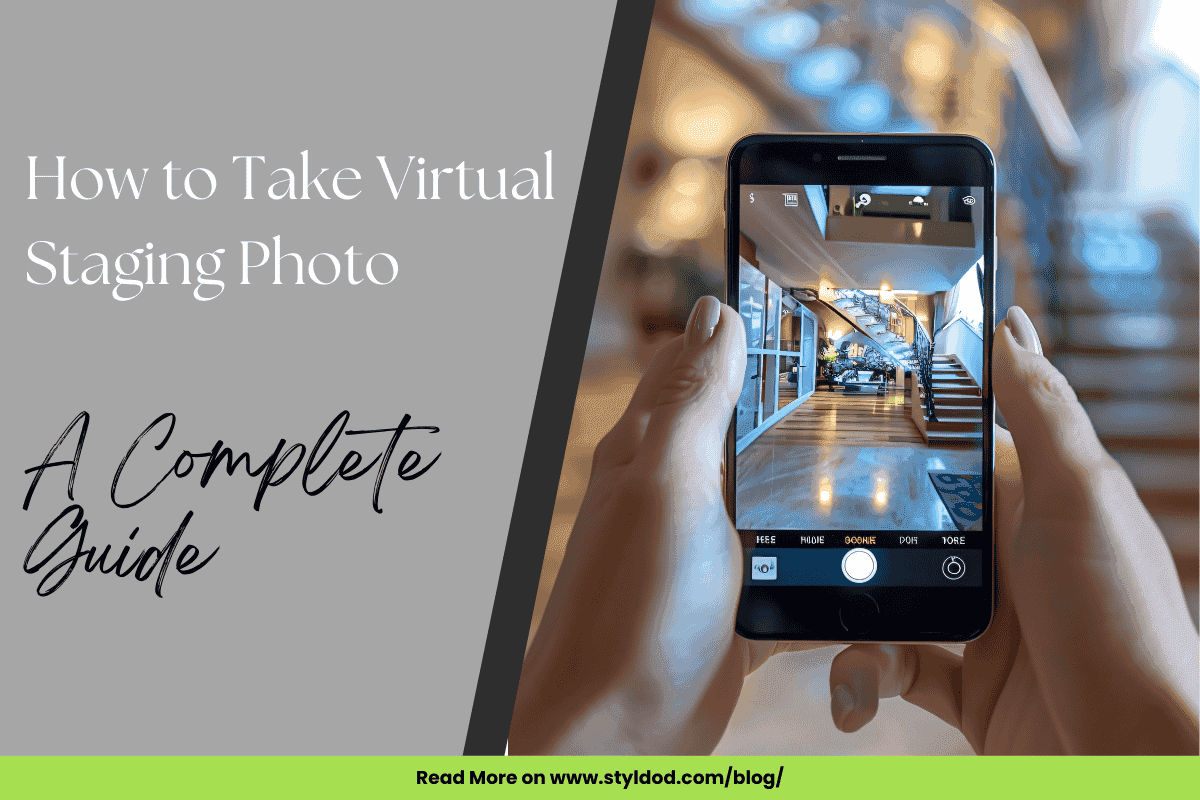
The invention of virtual staging technology has caused the world of real estate photography to evolve. You can now transform empty spaces into homes that are vibrant and inviting to attract potential buyers. If you are a real estate agent, photographer, or homeowner, you need to know how to take virtual staging photos. You need to have high-quality photos to increase the success of your listing.
If you master how to take virtual staging photos for your real estate, you can showcase your listing in the best possible way. Let’s talk about some practical tips on how you can achieve this.
Virtual Staging Photography: The Basics
High-quality images of homes are the core of virtual staging. The images you click need to be sharp and well-lit. They need to highlight the home’s best features. If a photograph is well prepared, it makes the staging process easier. If you understand the need for virtual staging and click photographs accordingly, it will make the place look authentic and attractive to buyers.
How to Take the Perfect Photos for Virtual Staging
If you are a real estate photographer trying to understand how to take virtual staging photos, follow the tips below.
1. Clear the Clutter
Before you start, make sure there is no clutter and unnecessary items in the room. Even a small item can cause distraction from the overall look you are trying to achieve and the virtual staging may not be as impactful as it can be. An empty space is like a blank canvas and you can virtually decorate it the way you want.
2. Select the Right Camera
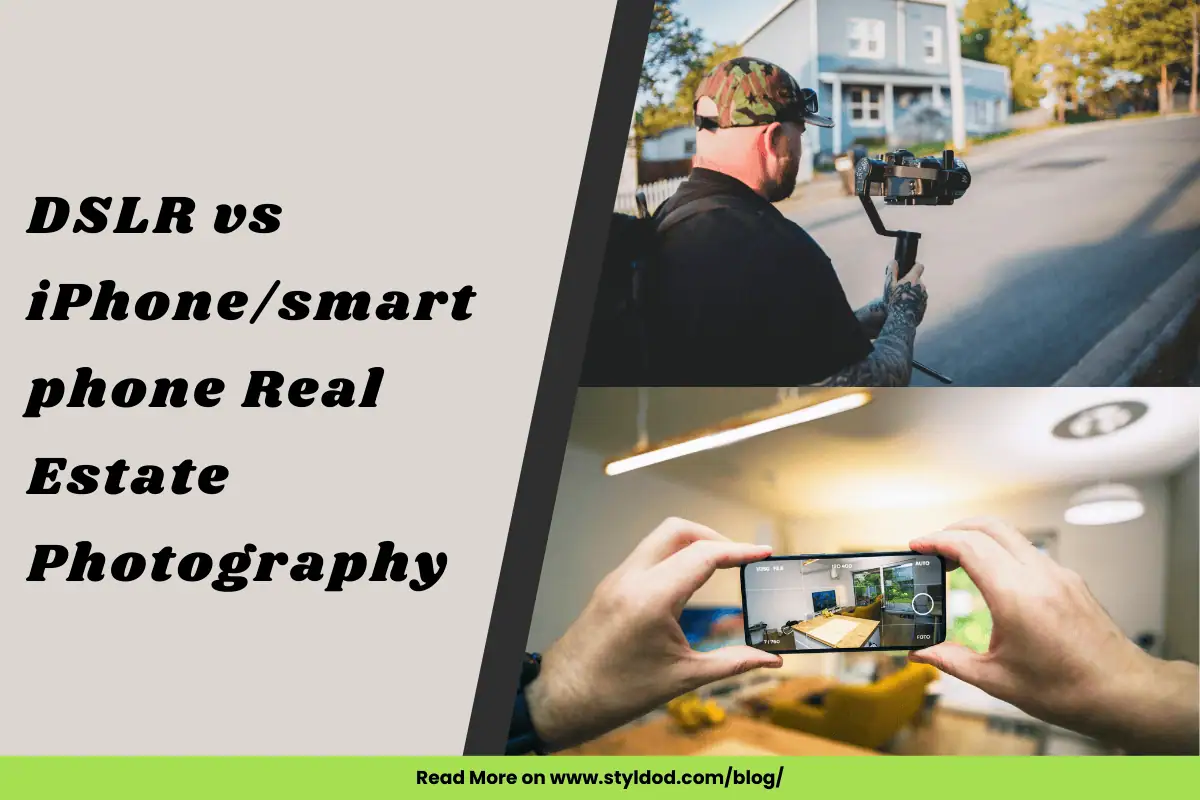
Using a high-resolution camera with manual settings is essential. A DSLR or a mirrorless camera with at least 24 megapixels will give you the sharpness in the images you need.
3. Use Artificial Lighting for Brightness
Light as they say can make or break a photo. Use natural lights as much as possible. You can use artificial lights to do away with shadows. Bright and well-lit photos are needed to make virtual staging a success and to make your space look inviting.
4. Use HDR Settings
HDR or high dynamic range helps you take pictures at different exposures. You can then blend all these images into one perfect picture. This is very useful when the area you are trying to click has varying lighting conditions.
5. Stick to Landscape Mode
Pictures taken in this mode work best when you want to market a listing online. This format makes sure that the entire image fits into social media platforms and websites.
6. Use Proper Lenses to Avoid Distortion
You should go for a wide-angle lens to showcase the full scope of a room. Avoid using ultra-wide-angle lenses because they tend to distort images and can give a false idea about the area and space. A focal length of 14mm–24mm is ideal for good and balanced images that can be used for virtual staging.
7. Focus More on Space Rather than Ceilings
Make sure your priority is to capture the space in the room that is usable. If you focus more on the ceiling, it can make the room look smaller than it is and cause distraction from its livability.
8. Take Multiple Shots and Select the Best
Take images from different angles to give yourself more options. You can select the image that highlights the room’s features best in the end.
Special Considerations for Shooting Empty Rooms
1. Lighting and Equipment
To get the best pictures, always try to use sunlight whenever you can. It's easiest to shoot on a cloudy day because the light is soft and even, without harsh shadows. If you need extra light, use a gentle lamp or flash, but make sure the light doesn't look yellow. Always put your camera on a tripod (a stand) so the pictures are never blurry. For big room shots, use an "f-stop" number around 8 to 11 to keep everything in focus. For close-up details, use a lower number like $f/1.4$ or $f/2.8$. Use a special wide-angle lens (16mm to 24mm) to fit the whole room in the picture and show how big it really is.
2. Composition and Angles
To capture as much of the room as possible, stand in the corners or against a wall. Hold the camera at about the height of a light switch (4 to 5 feet); this simple trick makes all the lines in the room look straight and natural. Take many pictures: some wide ones to show the space and some close-ups to show off nice features. Always leave the interior doors open so people can see the flow of the house, and try to include windows with a nice view to make the room look brighter and deeper.
3. Space Preparation and Clutter Control
Before you even start taking pictures, the most important step is to remove all mess and extra stuff. The goal is to make the room look as large and clean as possible. It's often best to have empty rooms if a designer will add furniture later using a computer (virtual staging). If you do leave things in the room, only put in a couple of small items, like a plant or a lamp, so it looks welcoming but not crowded. Don't forget to clean out and organize closets and shelves so buyers can see how much storage space there is.
4. Advanced Photography Techniques
For rooms where the window is very bright and the inside is dark, use your camera's HDR setting. This trick takes a few different pictures and mixes them together so both the bright outside and the dark inside look clear. After you take the pictures, you must use editing software to fix any bowing or curving lines that the wide-angle lens might have created, making sure the walls look perfectly straight. Lastly, always take pictures horizontally (wider than they are tall), as this is the best shape for online house listings and social media.
What is a Good vs. Bad Photo for Virtual Staging
A good photo for virtual staging is well-lit, bright, and free of any unwanted distractions or elements. A good photo will highlight the room’s best features and dimensions effectively. A bad photo will have clutter, poor lighting, and exaggerated angles. All of these can make or break the impact of virtual staging.
Transform Listings with Styldod Virtual Staging
Turn empty spaces into stunning, photo-realistic homes with Styldod. Our expert designers use advanced technology to showcase your property’s true potential, helping it stand out in listings and attract more buyers. With quick turnaround times and affordable pricing, Styldod's virtual staging service makes it easy to elevate your real estate photos and close deals faster.
Transform your empty listings into beautiful, inviting homes that attract more buyers.