TL;DR
Designing a whole home is tough when every room must flow together. Multi-view AI home visualization lets you preview cohesive, realistic interiors, across kitchens, bedrooms, and living spaces, so you can make confident choices, avoid mismatched styles, and reduce renovation mistakes. Human insight and thoughtful editing remain vital for trust and believability in the finished result.
See Every Room Work Together Before You Commit to Design, Renovation, or Staging Decisions
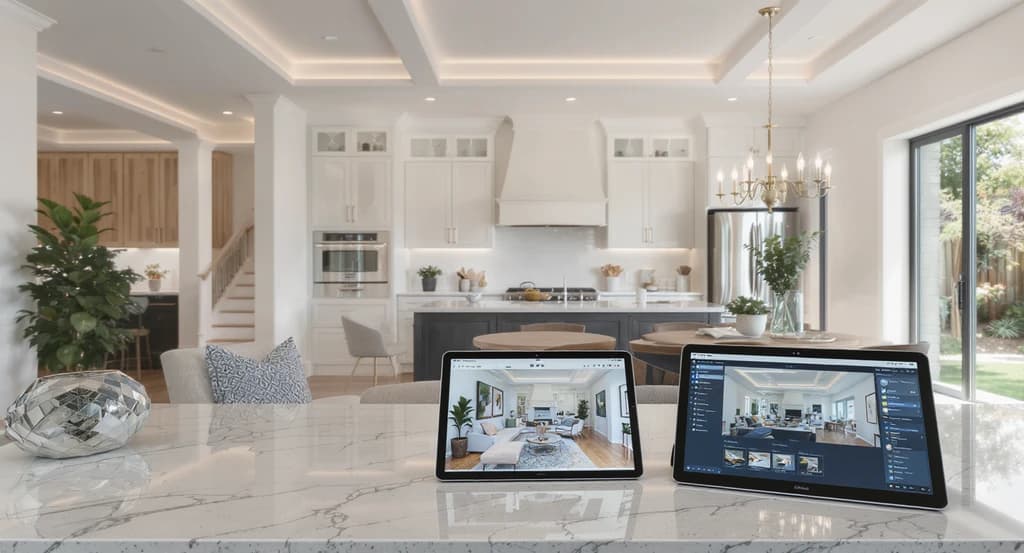
Using a multi-view AI home visualization guide, you can spot design mismatches and learn how to design cohesive interiors with AI tools before mistakes happen.
If you’ve ever styled a single room, only to realize it doesn’t fit with the next one, you know how frustrating and expensive design mismatches can be. Even with advanced AI tools, it’s easy to end up with a house that feels disconnected, rather than a home with a unified story.
The fastest way to design an entire home with AI is to use multi-view visualization. Instead of generating rooms separately, multi-view AI keeps kitchens, living rooms, bedrooms, and hallways visually connected, helping homeowners, designers, and real estate professionals create a cohesive home before renovation, staging, or construction begins. But while AI shows you what’s possible, true realism and comfort come from combining that technology with professional human expertise.
When you blend AI’s speed with a designer’s judgment, your whole-home vision becomes clearer, more believable, and ready for real-world use. This approach eliminates costly surprises and creates spaces people actually want to live in, market, or buy.
-
1. Start with a Whole-Home Vision
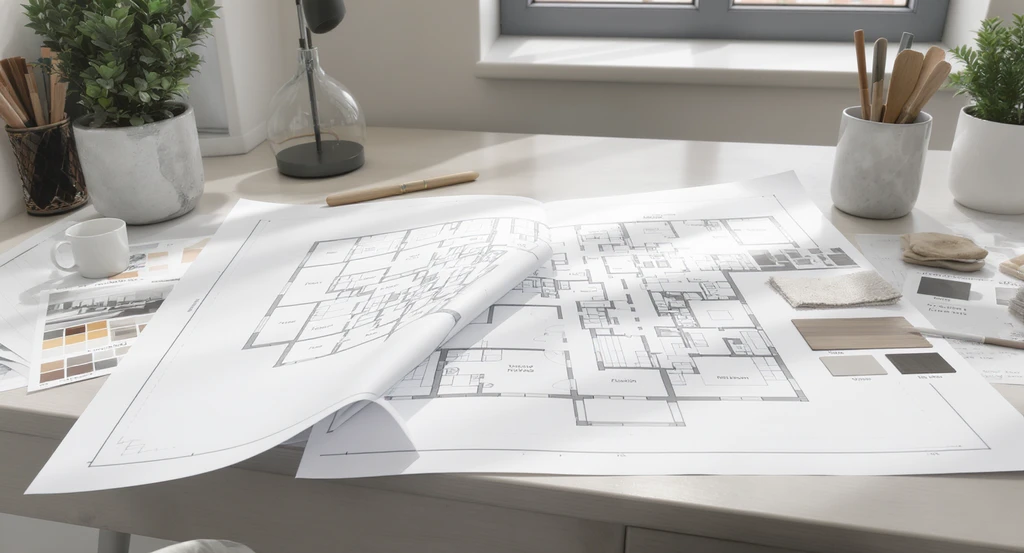
Defining a whole-home vision with multi-view AI home visualization guides ensures cohesive interiors and prevents mistakes in AI home staging—an essential step in a step-by-step AI home design workflow.
Before you pick paint colors or sofas, define the overall feeling you want every space to communicate. Would you like the home to feel modern and energetic, cozy and classic, or calm and minimalist? Multi-view AI works best when guided by a clear, unified vision. Begin by deciding on your style, color palette, and functional goals for the whole property. This gives the technology, and any human design partner, a roadmap, so every room feels like it’s telling one cohesive story, not competing for attention.
Why it matters: A home with a unified design feels more inviting and valuable to buyers and owners alike. According to our guide on visualizing your home before renovating, setting a strong style direction prevents expensive redesigns down the line.
-
2. Capture Multiple Angles of Every Room
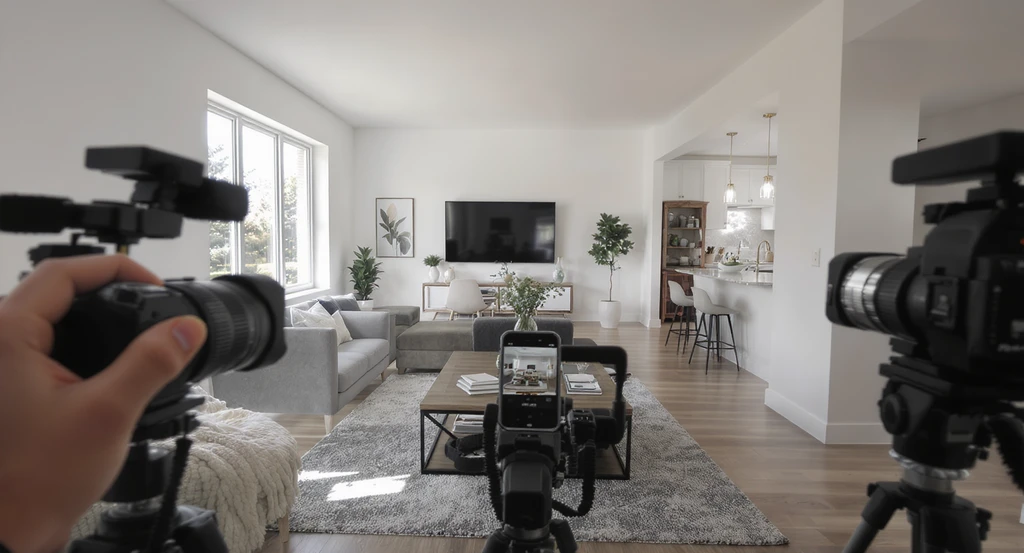
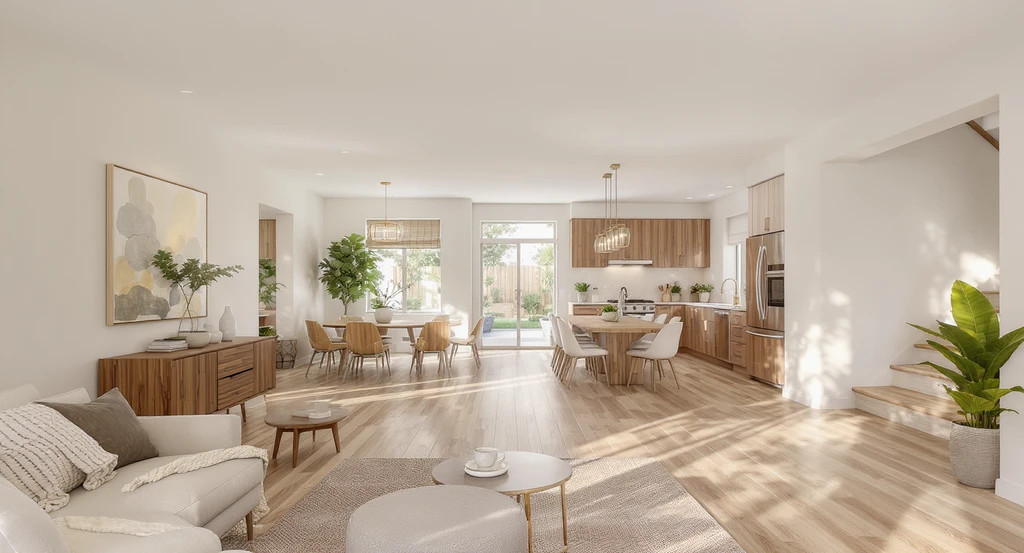
Capture multiple angles of each room—like this open-concept layout—for a multi-view AI home visualization guide and step-by-step AI home design workflow to avoid mistakes and design cohesive interiors.
Room layouts and sight lines matter just as much as finishes and style. Instead of relying on a single photo per space, use a multi-view tool to capture every important angle, living rooms, kitchens, hallways, bedrooms, and more. Multi-view AI can then process not just isolated rooms but their relationships to each other and spot inconsistencies early.
Why it matters: This context lets you catch issues like abrupt material changes, awkward furniture placement, or poor traffic flow before they become expensive. The more views you collect, the more accurate, and helpful, the AI’s results become.
-
3. Use AI to Generate Consistent Design Concepts Across the Entire Home
This multi-view AI home visualization guide showcases how to design cohesive interiors with AI, ensuring consistent style, palette, and furnishings across every room.
Most AI design tools create each room in isolation, often leading to mismatched styles and moods. Multi-view platforms, however, generate proposals for every room at once, maintaining your chosen palette, flooring, furniture styles, and lighting throughout.
Why it matters: When every space is considered together, your whole property feels harmonious, creating a more emotionally appealing, believable experience for buyers or guests. As we explored in our detailed look at how AI room design impacts flow and consistency, human-guided AI approaches are key to achieving these seamless results, not just generic outputs.
-
4. Review Room-to-Room Transitions Before Making Decisions
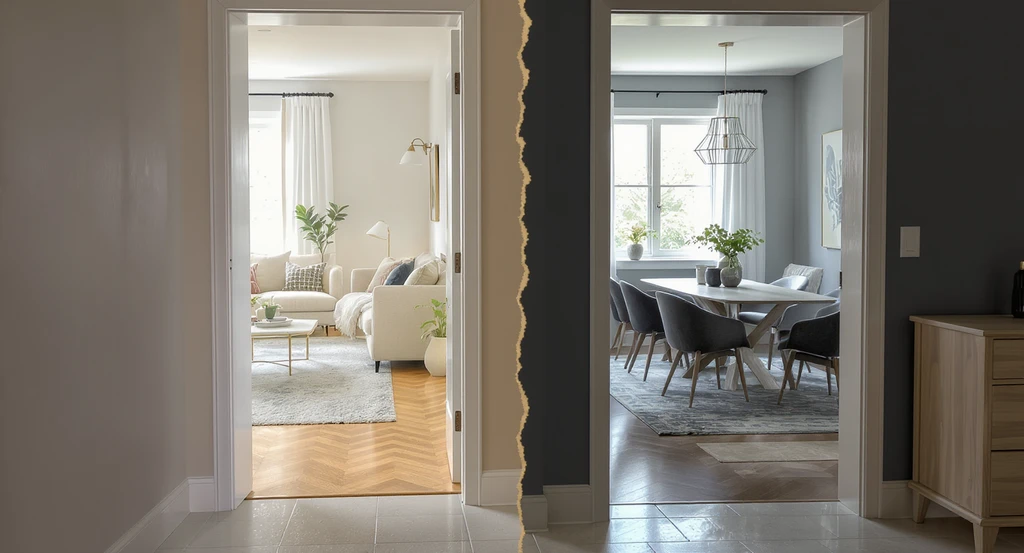
Multi-view AI home visualization guide: Reviewing room-to-room transitions exposes mismatched flooring, colors, and decor styles. Expert review ensures cohesive interiors and helps avoid mistakes in AI home staging for a seamless step-by-step AI home design workflow.
Looks can deceive when considering rooms in isolation. Even if each space is attractive, transitions may reveal clashing colors, style breaks, or abrupt material changes. Reviewing multi-view visualizations lets you spot these inconsistencies, flooring that changes between doorways, furniture that vanishes between angles, or decor themes that don’t quite connect.
Why it matters: The earlier you spot these issues, the less money and time you’ll spend on fixes. Thorough human review at this stage is critical, since small visual errors easily erode buyer trust and comfort. For more insight, check how AI room design tools work and why human review improves outcomes.
-
5. Collaborate with Stakeholders Using a Shared Visual Plan
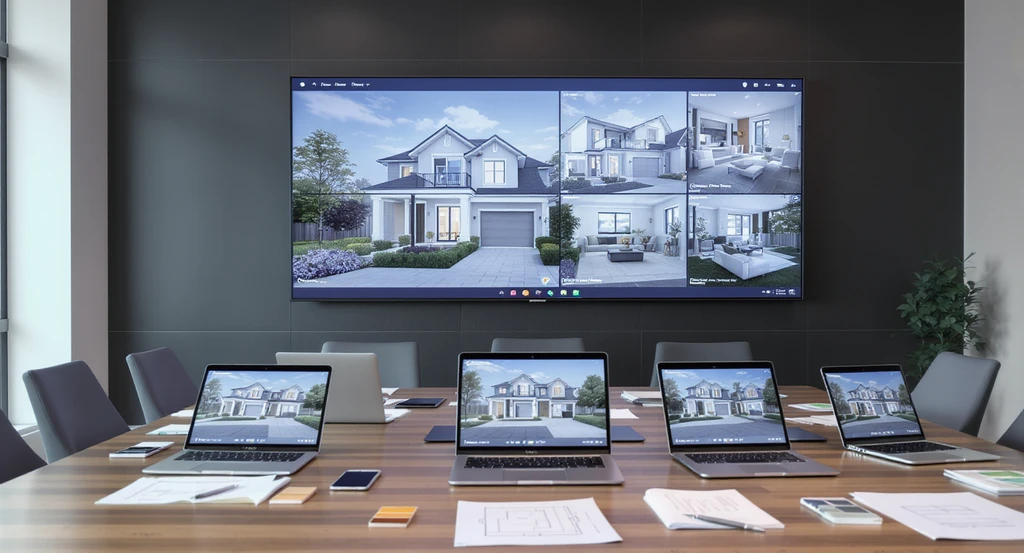
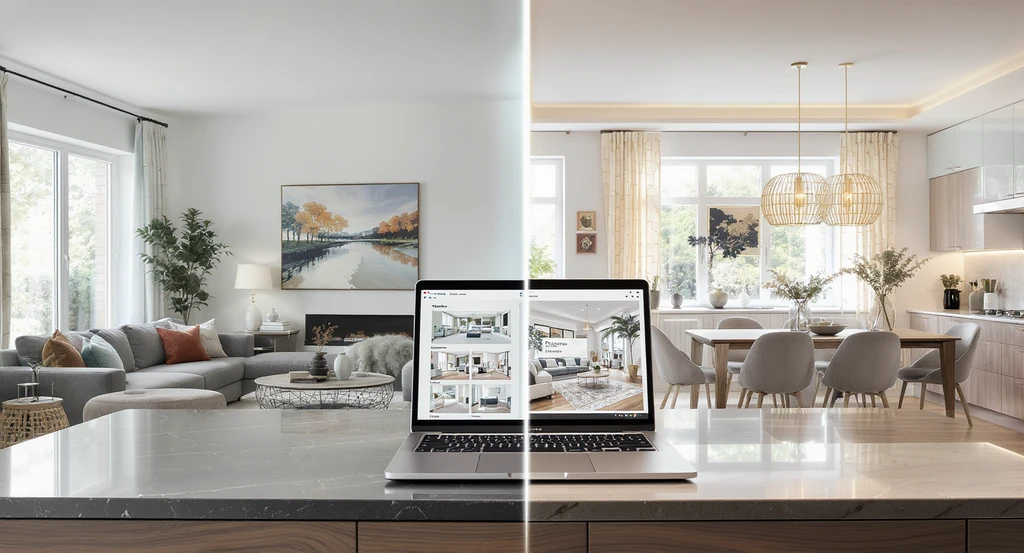
Collaborative design space showing a multi-view AI home visualization guide in action—open laptops and digital displays enable a step-by-step AI home design workflow, helping avoid mistakes in AI home staging and supporting expert review for cohesive interiors.
Home design and property projects rarely involve just one decision-maker. Effective multi-view AI tools allow homeowners, designers, agents, and even builders to evaluate the full home at once, streamlining approvals and reducing miscommunication.
Why it matters: With everyone referencing the same visual plan, projects move faster, fewer changes are needed, and you end up with a finished product that is true to your shared vision. As shown in our roundup of the best AI renovation and visualization tools, collaborative workflows help reduce both time and risk.
-
6. Refine AI Results with Professional Design Expertise
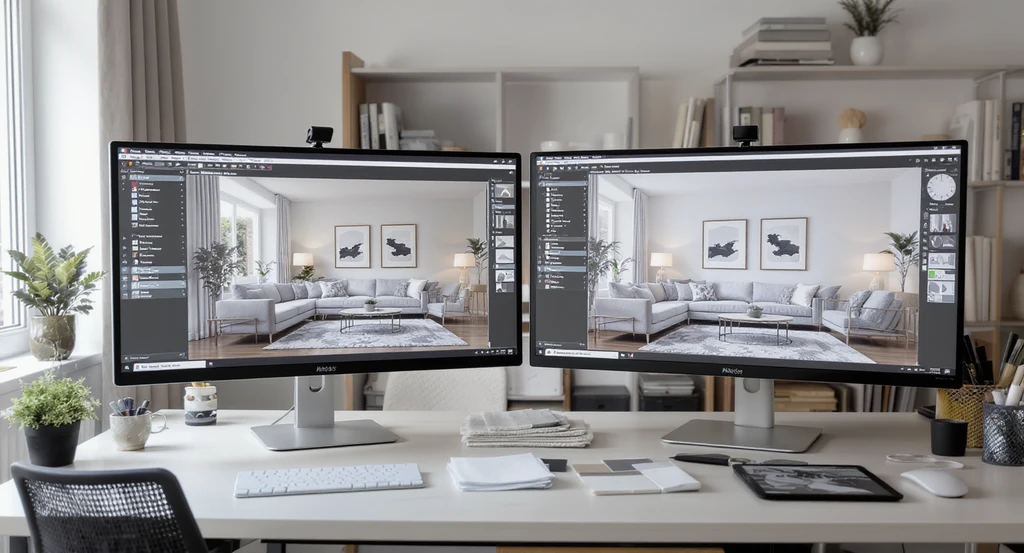
Expert review for AI-generated home designs is a crucial step in the multi-view AI home visualization guide and step-by-step AI home design workflow, ensuring cohesive interiors and helping avoid mistakes in AI home staging through hands-on analysis with real materials.
AI can generate impressive concepts in seconds, but realism often depends on details that technology still struggles to evaluate. Lighting consistency, material authenticity, furniture scale, and room-to-room flow often require professional review. Combining AI speed with human expertise produces designs that feel more natural, trustworthy, and ready for real-world implementation. Human designers and editors review the visuals for subtle problems, incorrect lighting, unrealistic materials, furniture scale, or missing personal touches. This expert eye raises the standard, ensuring that each room is not just visually consistent but actually feels right to live in or sell.
Why it matters: Human review means less back-and-forth, more consistency, and market-ready realism. This is why clients return to services offering expert review, the final product is polished, functional, and trusted. If you're still deciding between AI and human designers, our guide on actual AI design limitations is a useful resource.
-
Real-World Example: Solving Disjointed Designs
Consider a homeowner planning to renovate every room. AI tools created beautiful standalone concepts for each space. But when visualized together, problems emerged, jarring flooring transitions, furniture styles that clashed, and disjointed sightlines. By switching to multi-view AI, and involving a professional review, inconsistencies were caught before construction began, saving time, budget, and stress.
-
Visualization Scenario: Building Buyer Confidence
Imagine a property listing where, instead of showing ten unrelated photos, you walk potential buyers through a seamless visual story, from entryway to living room to kitchen and beyond. When every area feels intentional and unified, buyers develop real trust in the space. This smooth journey helps homes sell faster, with fewer objections or surprises.
Frequently Asked Questions About Multi-View AI Home Visualization
-
What is multi-view AI home visualization?
It's when AI analyzes and generates coordinated design options for several rooms together, creating a consistent, well-planned result for your entire home. For a step-by-step look, see our AI visualization guide. -
Why does human review matter for AI-generated designs?
Experienced designers catch details—like unnatural lighting or awkward transitions—that AI can miss, making the result more realistic and trustworthy. This is discussed in our AI vs. human design comparison. -
Is multi-view visualization useful before renovation or staging?
Yes. It helps avoid mismatched styles and costly mistakes before construction or updates begin. -
Will AI replace interior designers or stagers?
No—AI is a tool, but professional insight and judgment are still essential for creating spaces that truly work in the real world. -
Where can I learn more about AI visualization tools?
See our lists and reviews of top AI home visualization platforms for practical workflows and expert advice. -
Can multi-view AI visualization help before building a new home?
Yes. Multi-view AI visualization helps homeowners and builders evaluate layouts, styles, materials, and room-to-room consistency before construction begins. -
Is multi-view AI better than designing rooms separately?
In most cases, yes. Multi-view AI maintains consistency across multiple spaces, reducing design conflicts and improving overall flow. -
Who benefits most from multi-view AI home visualization?
Homeowners, interior designers, real estate agents, home stagers, builders, renovators, and property developers.
Key Takeaways: Why Human Judgment Still Leads in AI Home Design
Multi-view AI visualization is dramatically improving how we design, renovate, and market entire homes by making it easy to see how spaces relate before you commit time or money. Yet, as confirmed by experience and explored throughout our resources, the “magic” only happens when professional human input brings realism, consistency, and comfort.
Homes with thoughtfully unified design perform better, with fewer costly mistakes, deeper buyer confidence, and a more satisfying experience for everyone involved. Multi-view AI visualization makes it easier than ever to see how every room connects before renovation, staging, furnishing, or construction begins. But technology alone isn't enough.
Want realistic, cohesive home visualizations that work across every room, not just one? Styldod's AI-powered design services combine advanced multi-view visualization with professional human expertise to help homeowners, real estate agents, builders, and designers create consistent, market-ready spaces with confidence. Explore how Styldod can help bring your entire-home vision to life today.