TL;DR
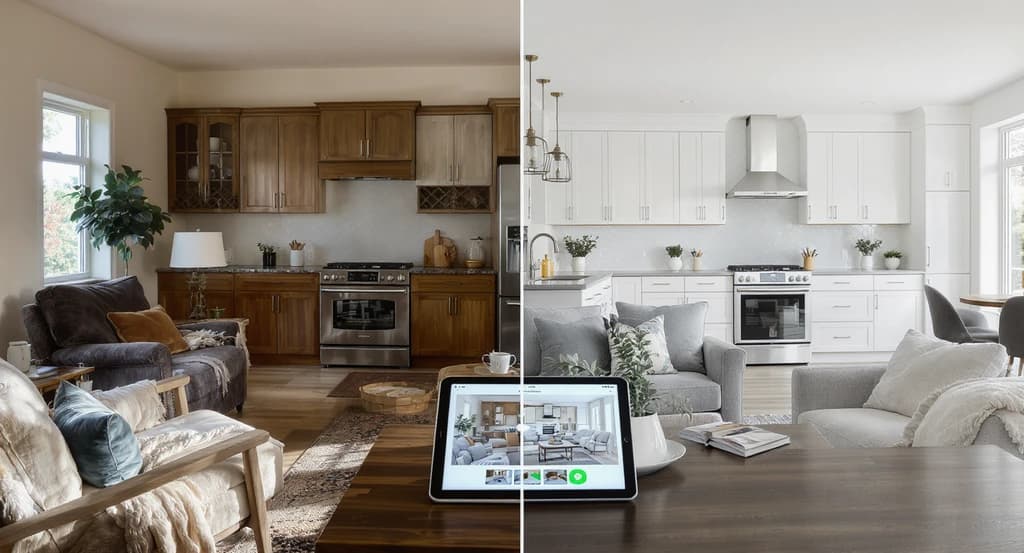
Renovation mistakes often start in the planning phase, when choices are based on imagination or disconnected samples. AI visualization now allows homeowners and designers to preview layouts, materials, colors, and furniture inside real rooms before any work begins. This reduces planning errors, speeds up decisions, lowers stress, and builds true confidence in renovation choices.
Why Home Renovation Decisions Are Harder Than They Look
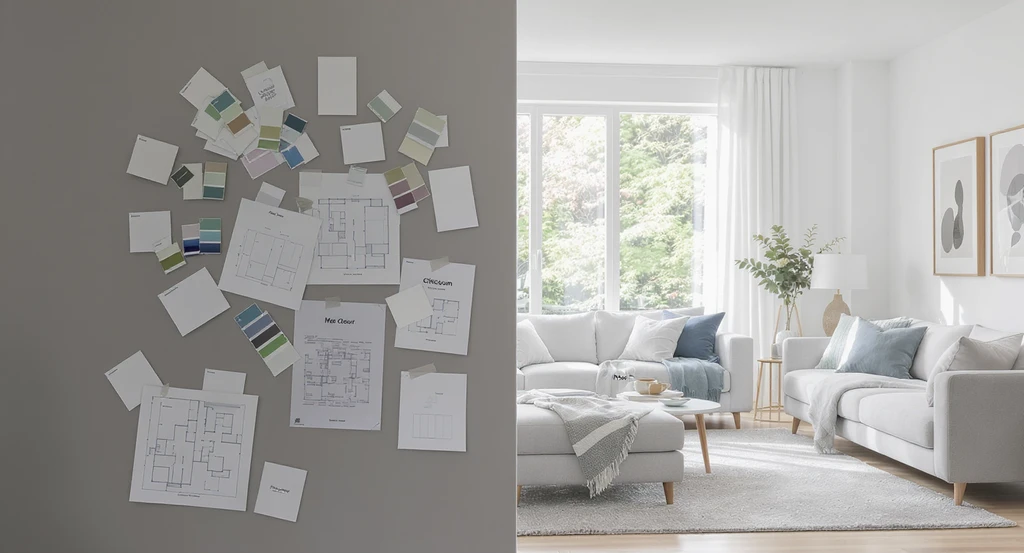
Comparing traditional renovation planning with samples to AI home visualization before renovating illuminates how using AI to preview room designs helps homeowners make smarter, safer design decisions and prevent costly mistakes.
Most renovation mistakes happen long before anyone swings a hammer. The root problem is making expensive decisions before seeing how ideas actually behave inside a real room. Paint colors look different at home than in stores. Cabinets that fit on paper crowd the room in reality. When you make decisions by piecing together mood boards, floor plans, and product samples, the final result can be unpredictable. People naturally struggle to combine paint samples, layouts, furniture, lighting, and materials into one accurate mental picture. Instead of relying on imagination, AI visualization makes it possible to preview real, actionable design changes inside your own rooms, before construction or major spending begins.
-
The Real Source of Decision Friction in Renovation
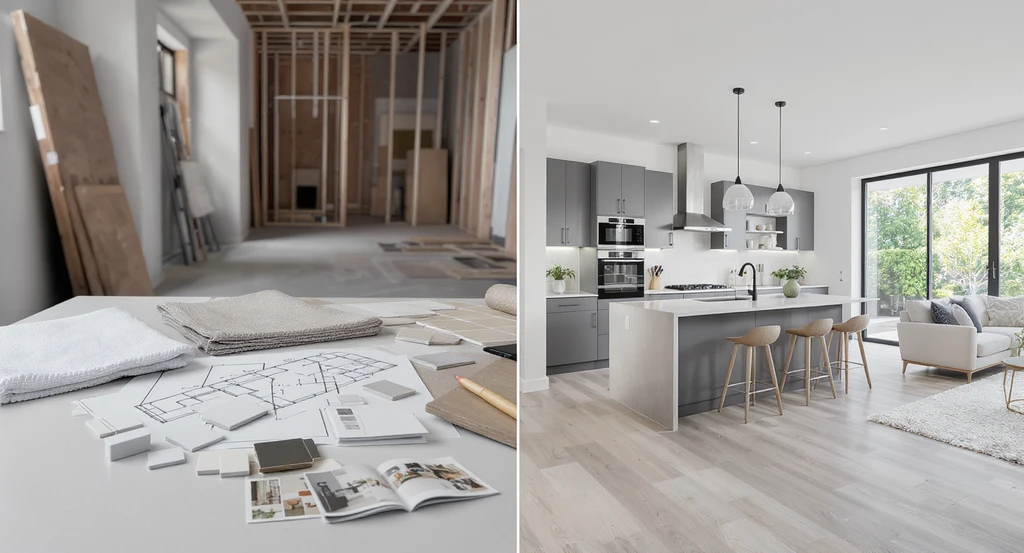
Ai home visualization before renovating helps avoid renovation mistakes, using ai to preview room designs for better clarity than traditional samples. This comparison highlights the benefits of ai interior design tools for planning and decision-making.
Most people struggle with renovation because traditional planning methods ask them to predict an invisible outcome. Material samples, inspiration images, sketches, and floor plans each show a fragment of the whole, but never combine lighting, wall colors, furnishings, and flow into a single image. That missing connection creates hesitation, second-guessing, and expensive revisions later. Unanswered questions appear: Will the new color darken the space? Will a kitchen island block smooth movement? What will it really look like when flooring and cabinetry come together? This uncertainty is stressful and often leads to expensive changes later. As highlighted in our guide on visualization tools for home renovation, lack of clarity early in the process is a common source of regret and wasted budget.
Expert Insight
A homeowner, planning a kitchen remodel, admired large islands from inspiration boards but had doubts. AI visualization made the issues clear: the oversized island blocked key paths and shrank usable space. Downsizing it, based on this preview, led to a comfortable and efficient final build, saving time, money, and regret. The change avoided a costly redesign after installation and preserved movement through the kitchen.
-
How AI Visualization Tools Change Renovation Planning

AI home visualization before renovating lets you preview room designs on your own photos. See the benefits of using AI interior design tools and avoid costly renovation mistakes by visually comparing changes in real time.
AI visualization changes the game by showing realistic previews of renovations in your actual photos. Homeowners and designers upload a photo of a room and instantly see possible changes: wall colors, new flooring, cabinetry, layouts, furniture, and lighting. Instead of imagining, you react to what you can see. According to our article on how AI room design tools work, these platforms use spatial algorithms and real-world lighting to generate accurate and functional previews. Instead of hoping ideas work, homeowners can react to visible outcomes before spending money.
-
What AI Visualization Does (and Doesn’t) Replace
AI visualization does not replace professional designers. Instead, it provides a realism layer missing from traditional tools, helping clarify what works in a specific space. AI quickly previews combinations that would normally require hours of mood boarding or expensive 3D rendering. However, as discussed in the comparison between AI home design and interior designers, only human judgment can evaluate comfort, texture, longevity, and lifestyle fit. The best renovation plans combine AI previewing with professional evaluation and real material sampling.
-
AI Visualization Reduces Uncertainty and Stress
The biggest psychological pain in renovation is the fear of regret: fear of picking the wrong color, wasting money, or making permanent mistakes. AI visualization reduces this fear by letting you see clear, detailed previews before you commit. When you view possible outcomes in your own space, decision friction drops dramatically. Instead of guessing, you validate whether a layout or color scheme matches your goals. This fosters real confidence and speeds up planning. As shown in our explanation of how AI actually designs your room, homeowners report fewer late-stage changes and improved collaboration among all parties when everyone shares the same visual frame of reference.
-
Practical System: Step-by-Step AI Visualization Workflow for Renovation Planning
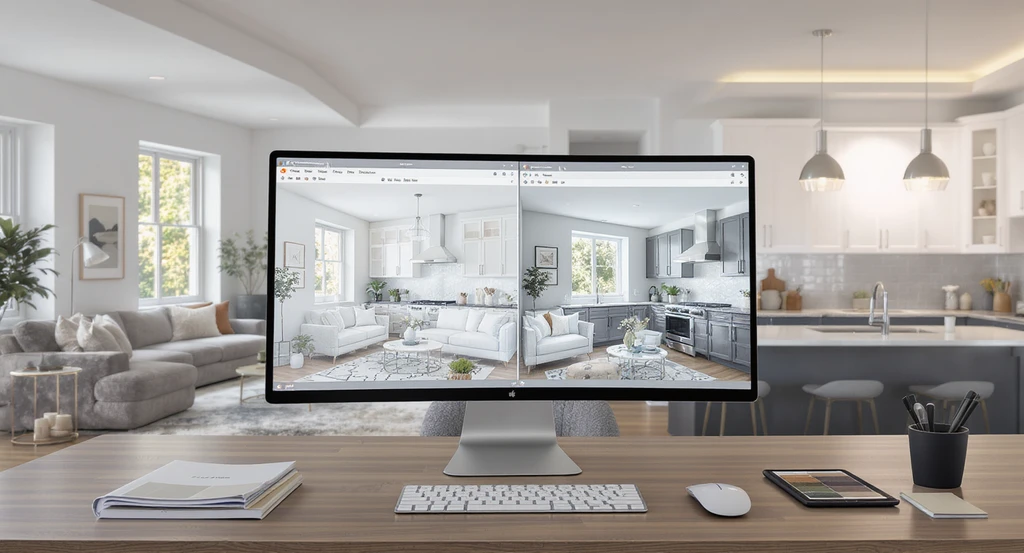
See how ai home visualization before renovating lets you preview room designs, compare layout options, and reduce mistakes using ai interior design tools.
- Take clear, well-lit photos of each room you plan to renovate. Ensure the entire space, including floors, walls, and windows, is visible for the most accurate overlay.
- Upload your images to an AI interior design or visualization platform. Look for systems that let you swap materials, layouts, and furnishings on your real rooms.
- Preview multiple design directions side by side. Compare options like dark vs light cabinets or different layout arrangements to assess visual scale and circulation.
- Evaluate whether selections support room proportions, traffic flow, and lighting. Pay attention to spatial hierarchy: does the focal point feel intentional?
- Share previews with your designer or contractor for expert assessment of texture, material quality, and build feasibility.
- Use physical samples only after AI previews narrow your options. Use AI previews to filter and validate before spending on real samples or work.
-
Critical Visual Elements to Check in Every Preview
Don’t just look at style. Use AI previews to check:
- Scale and Proportion: Does the layout crowd the space or exaggerate emptiness?
- Lighting Impact: Are surfaces brighter or dimmer? Does the color shift with daylight?
- Material Interaction: Do finishes work together, or do they clash in real lighting?
- Circulation: Will movement be restricted by new furniture or cabinetry?
- Focal Points: What elements attract attention first, and is that the intended design hierarchy?
-
Limits of AI Visualization, What Still Needs Human Input
While AI previews reduce most risks, they are only as accurate as the photos and input provided. AI cannot estimate tactile experience, subtle comfort details, or craftsmanship. Always verify layouts and selections with your contractor or designer, especially for custom builds or non-standard rooms. Previewing reduces most guesswork, but never skip technical cross-checks before committing to permanent changes.
-
Looking Ahead: Where Visualization Tools Are Going Next
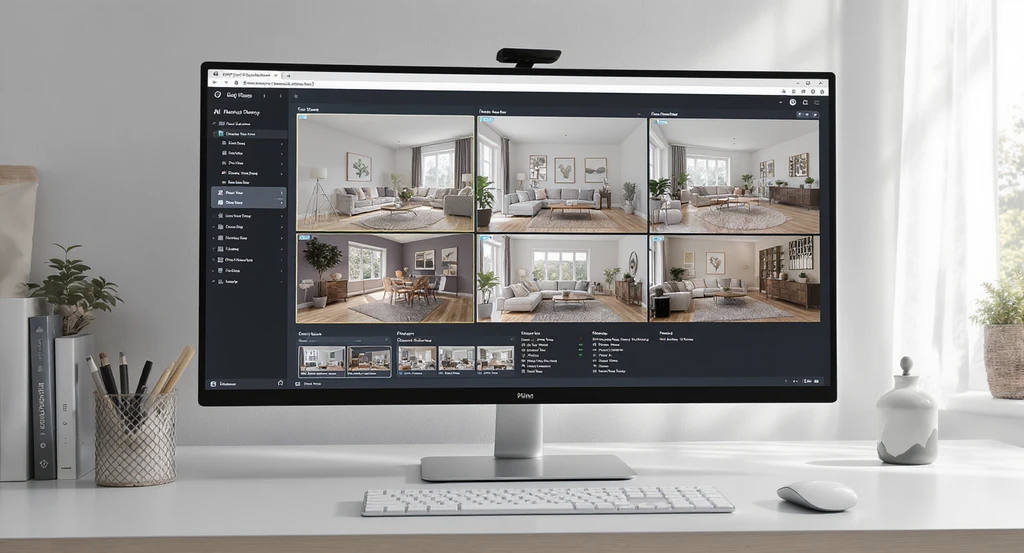
Previewing ai home visualization before renovating allows homeowners to see tailored room designs, compare AI vs human design tools, and avoid renovation mistakes with detailed scenario-based previews.
The renovation industry is moving away from wishful thinking and toward scenario-based simulation. Soon, most homeowners will upload room photos and instantly receive tailored renovation options, complete with spatial analysis, cost estimates, and functional checks. This means less time spent browsing disconnected images and more time validating decisions with concrete, room-specific previews. The focus is efficiency, accuracy, and reduced risk, goals supported by both AI and expert design collaboration.
Visualization Scenario
Picture uploading a photo of your living room and instantly previewing three design options, modern, organic, or luxury. You see furniture, colors, and lighting all change virtually. In minutes, vague ideas become clear visual evidence, making renovation choices simple, direct, and safe.
Frequently Asked Questions (AI Visualization for Renovation)
- Can AI visualization show real renovation ideas in my room?
- Yes. When you use an AI visualization platform, you can upload your room photos and preview new layouts, colors, and materials inside your actual space—long before work starts.
- How accurate are AI-generated design previews?
- AI previews depend on good photos and measurements. Modern tools provide realistic visualization for design and layout planning, but physical samples are still important for final confirmation.
- Does AI replace the value of a designer?
- No. AI visualization helps clarify choices, but human designers provide the creativity, comfort analysis, and functional experience that machines cannot replicate.
- Can visualization tools prevent costly errors?
- Previewing layouts and materials can greatly reduce late-stage design changes and budget waste—minimizing the major costs of renovation mistakes.
- Will visualization tools keep improving?
- Yes, the accuracy and personalization of AI visualization is advancing rapidly, making it a standard tool for stress-free, data-driven renovation planning.
Summary: Why See Before You Build?
Most renovation regret comes from making expensive choices without clear visual proof. AI visualization solves this by letting you test ideas inside your room before construction. Pairing visualization tools with professional insight leads to fewer surprises, more confident spending, and faster project timelines. AI visualization turns renovation planning from a process of guessing into a process of seeing. Instead of discovering mistakes after construction, homeowners can validate decisions before work begins. Better planning leads to better renovation results, every time.