TL;DR
Design mismatches happen when rooms are planned in isolation. Multi-view design tools let you preview how colors, finishes, and lighting flow across your whole home, helping prevent costly mistakes and ensuring your project is cohesive, believable, and buyer-ready from every angle.
Why Room Design Consistency Is So Hard, And What Actually Solves It
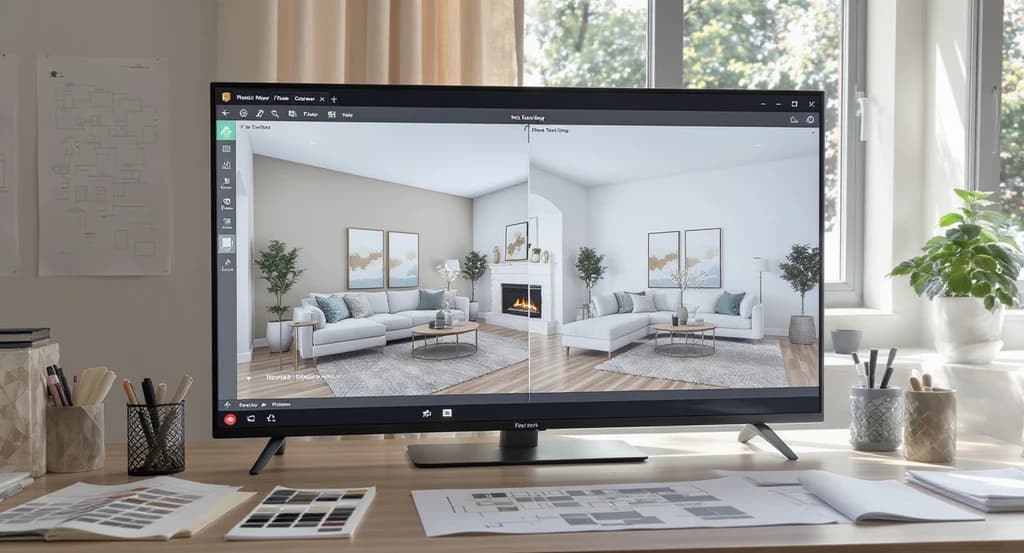
Multi-view AI home design tools help you visualize open concept spaces together, revealing how to prevent costly room design mismatches and improve real estate staging.
If you’ve ever selected beautiful finishes for your kitchen, only to have them clash with your living room or hallway, you know how jarring a design mismatch feels. Maybe you’re a homeowner excited about renovation, an agent updating a listing, or a designer coordinating multiple spaces, and you want the whole home to feel purposeful. Yet even with high-tech tools, it’s easy to end up with flooring that doesn’t match, lighting that feels inconsistent, or rooms that seem to belong in different houses.
The answer? Multi-view design tools. These allow you to see multiple rooms, floors, or open-concept spaces together, not just in isolation. And when combined with real human expertise, they help you spot subtle mismatches, ensuring visual flow and real-world usability across your entire property. Even the best AI needs human judgment to create spaces people trust and love, as we explored in our guide
-
1. See the Whole Space, Not Just a Single Room
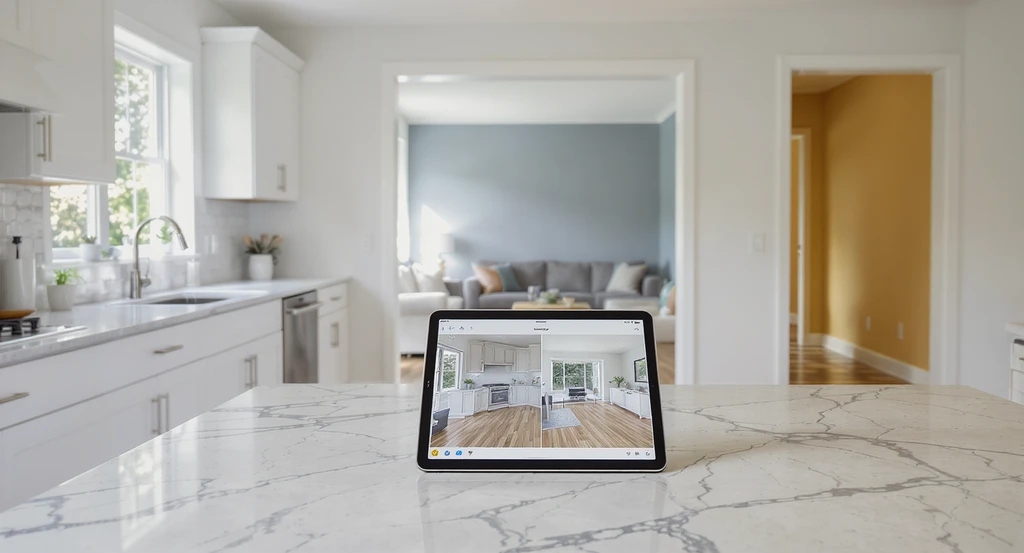
Multi-view AI home design tools reveal how flooring transitions, paint colors, and decor connect across open concept living and kitchen spaces, showing how to prevent costly room design mismatches and making the difference between virtual and real staging clear.
One of the main reasons for costly design mistakes is planning rooms separately. You might have a gorgeous living room and a trendy kitchen, but if their colors, materials, or styles clash at the doorway, the whole home feels fragmented. Multi-view design tools reveal how every room connects, so you can check flooring transitions, paint colors, and decorative details across spaces. This whole-home perspective catches issues that single-room renderings simply miss.
As discussed in our breakdown on visualizing home renovations before you build, seeing rooms together builds confidence in your choices, helping everyone, owners, designers, or agents, make decisions they won’t regret later.
Expert Insight
A homeowner once chose their favorite paint colors for each room, but after the renovation, they realized the living areas clashed badly. Using multi-view design would have highlighted the mismatch before a single can of paint was opened, preventing extra work and cost.
-
2. Use 2D for Logic, 3D for Reality Checks
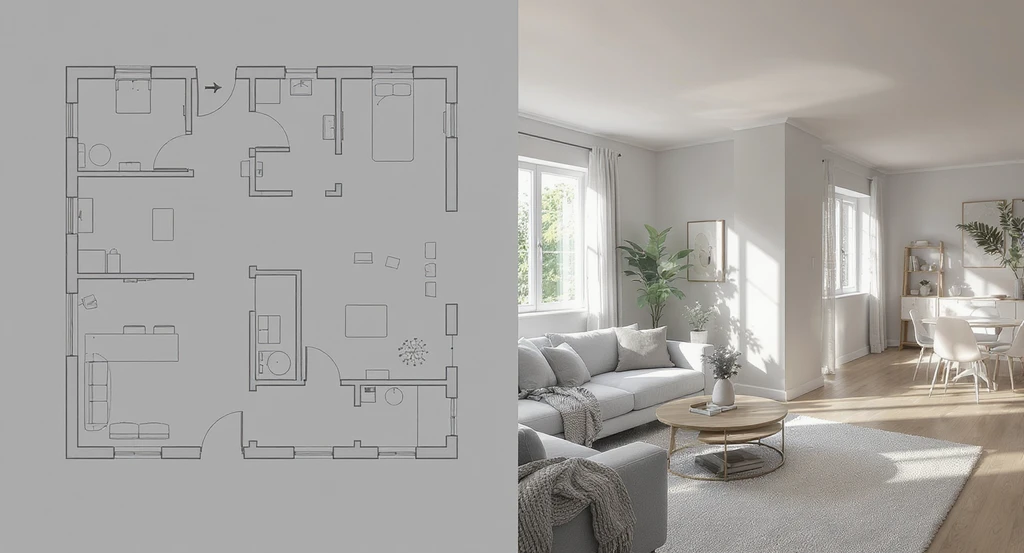
Multi-view AI home design tools reveal real-world problems missed in 2D, such as a cabinet blocking a window or awkward pillars impacting open concept space flow. This approach is essential for how to prevent room design mismatches and understanding the difference between virtual and real staging.
Floor plans are great for understanding how rooms are laid out, but they can’t show you how a low ceiling or awkward pillar affects real-world flow. That’s why pros always check both 2D plans and 3D visualizations. 2D clarifies traffic, door swings, and adjacencies; 3D lets you step inside virtually, so you spot scale issues, awkward lines of sight, or places that might feel crowded.
AI design tools can generate fast visualizations and multiple design options in seconds, but experienced designers add the real-world judgment needed to evaluate comfort, functionality, and visual balance. Together, technology and human expertise create designs that look great on screen and work beautifully in everyday life.
-
3. Validate Traffic Flow and Circulation
Even the best software doesn’t always catch how people actually move through a space. Multi-view tools let designers "walk through" the digital model from many angles, testing open doors, furniture, and movement for real-life comfort. Human experts use both experience and visualization to ensure hallways aren’t tight, entryways aren’t blocked, and kitchens don’t create traffic jams during busy mornings.
This extra step reduces the risk of awkward layouts, creating homes that feel truly livable, not just photogenic.
-
4. Double-Check Scale, Proportion, and Metrics
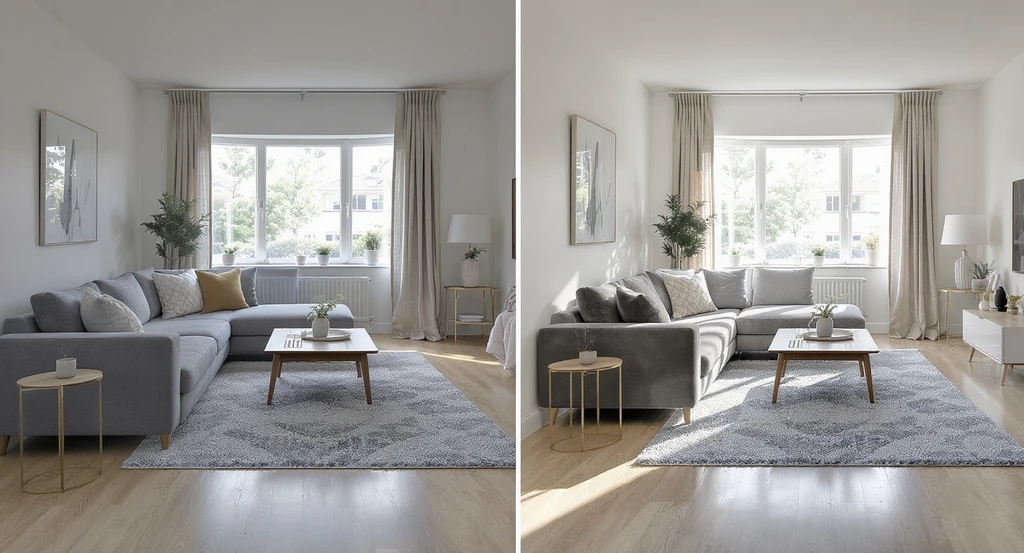
See how multi-view AI home design tools prevent room design mismatches by comparing virtual plans with real-world, true-to-scale layouts—essential for best practices in home visualization and avoiding costly mistakes in open concept spaces.
Tiny scale errors become costly surprises. For example, a sofa might look perfect in a digital plan but, in reality, block a window or crowd a walkway. Multi-view design lets you compare scale between rooms, ensuring furniture and fixtures feel right together, not oversized in one space and miniature in another.
As shown in our guide on visualization tools that prevent home renovation mistakes, experts double-check with actual product dimensions and populate renderings with true-to-life objects. The goal: no surprises when the work is done.
-
5. Spot Lighting and Material Mismatches Early
Lighting shifts or material transitions can instantly reveal a rushed renovation. Multi-view tools let you test both natural and artificial lighting from several vantage points, spotting harsh shadows, glare, or color distortion before you commit. Humans bring an additional level of refinement, adjusting lighting, layering window treatments, and blending materials so spaces feel intentional.
It’s not just about what looks good on a screen, but what feels comfortable and inviting in person.
-
6. Catch Expensive Mistakes Before They Happen
Fixing a mistake after construction is far more expensive than correcting it in the planning phase. Multi-view design allows you (and your team) to preview every transition, catch style clashes, and highlight odd overlaps that could derail a project. Human editors still outperform automation when it comes to noticing these nuances, saving time, reducing revisions, and protecting budgets.
This attention to detail helps prevent expensive revisions, which is why many homeowners, agents, and developers rely on Styldod's expert visualization services to review projects before construction, staging, or listing photography begins.
-
7. Make Open-Concept Homes Feel Balanced and Connected
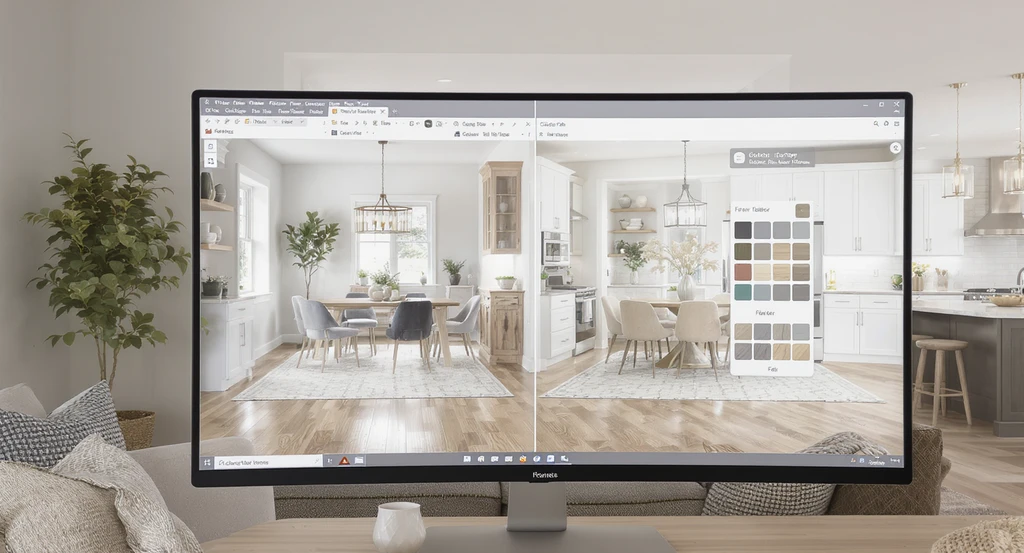
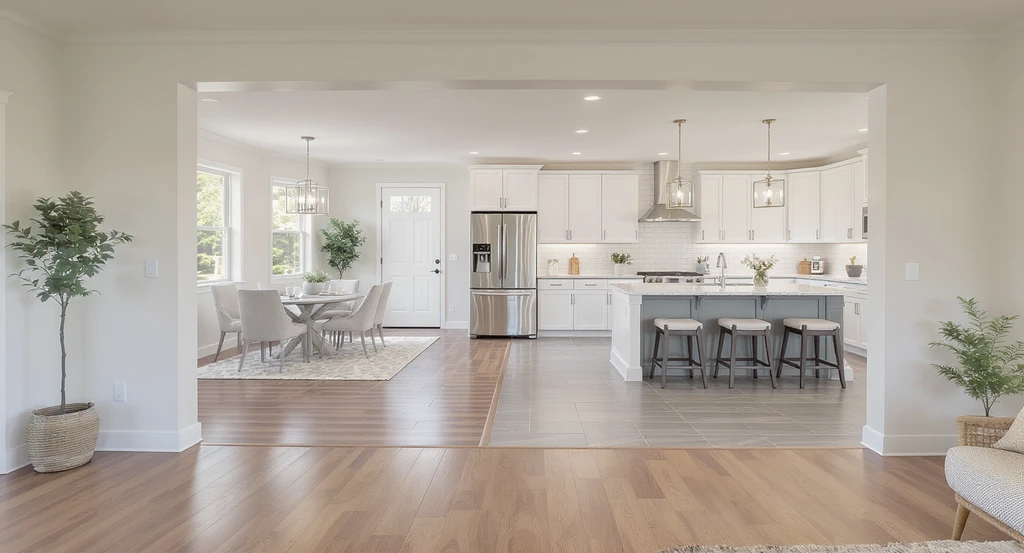
Using multi-view AI home design tools shows how to prevent room design mismatches by visualizing cohesive color palettes and flooring in open concept spaces.
Open-concept living is popular, but it magnifies the impact of design mismatches. With one glance, buyers or guests see several rooms at once. Multi-view design tools let you coordinate flooring, color palettes, and décor themes throughout, while a professional eye keeps transitions seamless and everything feeling like it belongs together.
For practical examples on how multi-view visualization shapes cohesive, successful listings, see our insights in our comparison of AI design tools and human designers.
Visualization Scenario
Picture previewing your open-concept living and kitchen area in a realistic 3D walk-through. You quickly notice the flooring transitions don’t line up and the lighting feels harsh. With multi-view tools and expert review, you adjust materials and lighting, instantly seeing a cohesive, harmonious result, saving yourself the trouble and expense of redoing the work later.
Frequently Asked Questions
Multi-view tools show several rooms or angles together, helping you spot design mismatches and maintain consistency throughout your space.
Why do design mismatches occur even with advanced AI home visualization?
AI can miss subtle connections in flow, proportion, or palette. Human experts see the whole picture, ensuring real-world usability and visual trust.
Who are multi-view tools for?
They’re valuable for homeowners, interior designers, real estate agents, developers—basically anyone planning or staging multiple rooms.
How does this save money?
Spotting mismatches early avoids costly revisions, change orders, and redesigns after construction or listing photography.
Is virtual staging with multi-view tools better than single-room staging?
Yes—multi-view staging makes listings feel coordinated and intentional, boosting buyer confidence (as buyers always judge the whole home experience, not just one room).
Smarter Design, with Tools and Human Expertise
Multi-view design tools are changing how homes are renovated, staged, and marketed because they help people see the bigger picture before investing time and money. By identifying inconsistencies early, these tools reduce costly revisions, improve buyer confidence, and create more cohesive living spaces. When paired with professional design expertise, multi-view visualization helps ensure every room feels connected, intentional, and ready to impress, whether you're renovating, staging, or preparing a property for sale.